Agencies and freelancers looking for InfiniteWP alternatives have one thing in mind; to find a reliable and scalable management tool. Because of the high competition in the website management industry, serious agencies and freelancers know using a reliable management tool will give them an edge.
While InfiniteWP boasts several appealing features, most modern management tools are offering better value. They support advanced automation, are scalable, and boasts several features that improves workflow.
Here, we examined several InfiniteWP replacements. Now, we have handpicked the ones considered worthy replacements. Keep reading to learn more about the alternatives.
Understanding How WordPress Management Tools Impact Website Performance
WordPress management tools make website administration simple. They help agencies and freelancers manage daily website maintenance tasks like backups, updates, uptime and security monitoring and multiple WordPress installations.
The interesting thing about using these tools is that users can manage dozens of websites from a single dashboard. However, while these tools make website management a breeze, they can equally impact a website’s performance negatively if configured improperly.
While most management tools are a downgrade, understand that tools alone aren’t the major cause of poor website performance. As earlier said, configuration and usage can be an issue.
Poorly configured plugins, backup overload, monitoring frequency (excessive monitoring), and server limitations can impact website performance negatively. Conflicts with existing optimization systems and API congestion can equally be a problem.
As a management tool user, understanding these challenges and solutions can help you reduce or even prevent slowdowns. You’ll benefit more from using a centralized management platform.
Here, we discussed how a WordPress management tool can negatively impact your site’s performance, the reasons and possible solution. Let’s jump in!
1. Excessive API requests:
This process can slow down a website. Let’s not even sugarcoat it. But there is a solution. However, before dishing out the solution, let’s discuss the problem for better understanding.
Most management tools available communicate with websites via API requests. These requests are necessary as they occasionally check the managed website to know its uptime status, available updates, analytics, backups, security information and maintenance data.
Now, here’s the challenge.
Most website management platforms poll the managed websites too often. That can create a problem.
The problem the excessive API requests create is that the website’s server resource usage would increase.
Frequent API requests can increase not only the CPU load, but database queries and memory consumption. This problem becomes amplified if the website is on shared hosting.
The increase in memory consumption, CPU load and database queries can have a negative impact on the site. They can slowdown the website’s frontend, including the site’s admin dashboard.
The issue could become worse! How?
Enabling multiple monitoring features to run simultaneously can make the issue worse. A weaker hosting environment can become weaker when running security scans, real-time uptime checks, analytics synchronization and plugin monitoring.
What are the solutions?
You can make your website function optimally even when using a WordPress management tool. Here’s what you need to do:
Minimize monitoring frequency: Enter your management platform and reduce the monitoring frequency. Even though it feels safer to check every minute, you shouldn’t follow that.
You can configure your uptime monitoring to run every 5 to 10 minutes. When you do, server strain would reduce drastically.
Use quality hosting infrastructure: Your hosting infrastructure matters a great deal. It’s important to get sufficient RAM and CPU allocation.
Most management tools, particularly the SaaS-based ones function better when used on an optimized environment. So consider upgrading your hosting. When you do, you can resolve several performance-related bottlenecks instantly.
Use lightweight management platforms: Another way you can resolve this issue is to use lightweight management platforms. An example is WP Managify. Choose a platform that focuses on optimized API communication and efficient cloud-based operations.
2. Automated backups can use up more server resources:
Backups are your website’s safety net. Automating backups gives your websites maximum protection. You can easily restore your website to its previous working state via backup when disaster strikes.
According to Astra Security WordPress websites face over 90,000 attacks per minute because of the platform’s popularity. Another report indicates that around 30,000 websites get hacked daily, with software vulnerability being one of the major causes.
While backup automation is beneficial, it can heavily impact your website’s performance.
But how do automated backups impact website performance?
First, let’s understand what happens when you create backup. The server would compress the files, export databases and transfer the data to cloud storage. While the process appears simple on paper, note that it increases processes like CPU usage, memory consumption and disk activity. However, this increase is only temporary.
If you have a large website, the impact could be greater. We’re talking about a website that has thousands of media files. Websites with oversized databases also face the same thing.
Users can even notice the impact on your website when you run backups during high-traffic periods. They will experience slower loading times. In most cases, temporary server instability can send a clue.
What are the solutions?
Here’s how you can resolve these problems:
Schedule backups to run mostly during low-traffic periods: If you can, then do it; avoid heavy-traffic periods when scheduling backups. Instead, schedule it to run at late night, or during off-peak periods.
You don’t want to schedule your backups to run (particularly full backups) during periods when visitors are most active on your website. They may face slow-downs if you don’t schedule backups properly.
Use incremental backups: Learn to use incremental backups. Why? This backup strategy will only save modified files and database changes. Only perform full backups when necessary.
Use a WordPress management tool that allows you to setup incremental backup.
The fact that incremental backups only save modified files and database changes help reduce server load massively.
Store backups externally: Avoid storing backups locally on the server. Instead, use a management tool that lets you store backups externally. Using management tools that support cloud-based backup storage help to reduce local resources consumption.
Using external backup storage will make your website more stable.
3. Inappropriately optimized management plugins
Did you know using a management tool with poorly optimized plugins can increase database load?
Most WordPress management platforms have companion plugins which users must install on their websites. However, while some management platform’s plugins are lightweight, others aren’t. The ones that aren’t lightweight add excessive database queries, tracking operations and cron jobs.
That’s why we tell website owners to avoid management tools with poorly optimized plugins. They can reduce your website performance.
Using management tools with heavy plugins may ensure data is consistently written into the database.
What’s the impact? Well, over time, it will create bloated database tables. This makes frontend queries and admin operations slower than expected.
Any website that has excess plugins stands a high chance of experiencing plugin conflicts and database inefficiencies.
Another way management plugins can negatively impact a website performance is by loading the admin section with unnecessary scripts. When this happens, your site’s dashboard responsiveness slows down. This affects workflow efficiency and productivity.
What are the solutions?
Choose lightweight management tools: Focus on choosing a WordPress management tool designed to improve performance efficiency. Lightweight management tools are designed that way.
Check every management platform carefully before adopting them. Avoid the ones that boast bloated plugin architecture or excessive resource usage.
Avoid plugins that cause abnormal resource usage: Monitor the plugin performance carefully. Does it cause abnormal resource usage? If yes, then adjust its configurations.
If you can’t adjust the configurations, then consider switching to another tool. Choose a well-optimized WordPress management tool.
4. Occasional security scans affects website speed:
Having a management tool that offers automated security scans offers a huge advantage. With the constant scanning, you can catch potential treats earlier, and fix the issue before hackers do.
While the security monitoring feature is a game-changer, scanning aggressively can have a negative impact on your site’s performance. Activities like vulnerability detection, malware scans, firewall monitoring, and file integrity operates using server resources.
Some security systems generate high disk activity because they repeatedly scan files. There’s a possibility of experiencing slower response times during scanning large WordPress installations that boasts numerous plugins.
Another way issues can arise is with overlapping security systems. Duplicate scans or server loads might increase if diverse security plugins are running simultaneously. There are chances of you experiencing CPU spikes in such cases.
What are the solutions to these problems?
Reduce scan frequency: While daily scans can be helpful, they are more important for websites conducting that processes sensitive customer data or financials. But then, you should avoid setting up aggressive real-time scanning. Only use when it’s absolutely necessary.
Don’t run multiple security systems: Running diverse security scans simultaneously will only duplicate the same functions. A single well-optimized security solution can get the job done. It is better than stacking several overlapping scanners and plugins.
Using simplified security architecture is much better. It will have a positive impact on performance.
5. Connecting too many websites can reduce dashboard efficiency:
Do you have a large website portfolio? It’s important to understand that management congestions and synchronization delays are possible issues that could arise.
You can generate huge amount of update requests, monitoring data and even backup operations when you have a large-scale website portfolio. And this can have a negative impact on the management tool’s performance.
Most users might experience issues with dashboard responsiveness. In most cases, synchronization between the website and platform hosting the WordPress management tool can become slower.
Another issue is scalability. Most management tools struggle to efficiently scale. They struggle when handling large website networks.
Furthermore, understand that updates can become slower or there’s possibility of notification delay when you overload dashboards.
What are the possible solutions?
Enable only important features: You don’t need to turn on advanced real-time analytics, monitoring and aggressive scanning for most websites. Only turn on features that are necessary for each website.
Note that you can lower the system load when you customize settings per site. So only turn on settings that are necessary for each website.
Use scalable WordPress management platforms: Choose a scalable management tool if you plan to increase the number of websites you’re managing in the future. Most tools like WP Managify offer higher plans that allow users to connect unlimited number of websites.
7 Best InfiniteWP Alternatives to Choose From
The thousands of WordPress websites popping out daily means that there’ll be more opportunities for agencies and freelancers rendering WordPress website management services. That’s why most serious agencies and freelancers are moving to smarter management solutions. They are leaving tools like InfiniteWP behind to better alternatives.
We have handpicked 7 leading InfiniteWP alternatives that offer better automation, monitoring and security. Check them out below:
1. WP Managify:
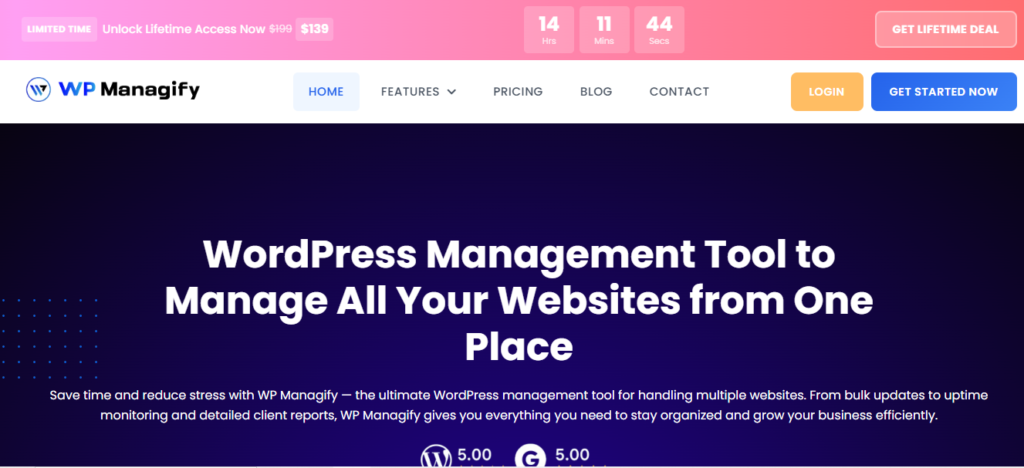
WP Managify is a reliable and scalable site management tool, appreciated by agencies and freelancers seeking smart WordPress management solutions. Upon signing up, users get a single dashboard that can manage unlimited number of websites.
Designed to simplify the process of WordPress management, WP Managify allows users to automate backup. You can automate backup to run at specific time and day, making it a reasonable choice for ecommerce websites and traffic-heavy websites.
The platform’s reliable backup automation means you will always have recent backup data to fall back on when the need to restore backup arises. This reduces downtime and boost clients’ trust.
Effective uptime monitoring is one of the tool’s highlighted features. It helps spot downtime early, so you can address the issue quickly.
It also automates performance tracking. It tracks your website speed and site health, notifying you when the sites aren’t performing properly. Knowing when your website speed is slow and fixing it on time can help improve SEO performance. This makes it possible to rank high in SERPs.
Highlighted Features:
- Centralized dashboard
- Uptime monitoring
- Security monitoring
- White label reporting
- Multi site control feature
- Supports bulk updates
- Ability to schedule WordPress site backup
- Automates plugin, themes and core updates
WP Managify Pros:
- Beginner-friendly
- Simple interface
- Scalable for agencies
- Multi site support
- Advanced reporting tool
- Effective performance monitoring tool
WP Managify Cons:
- SaaS-based platform
2. Solid Central:
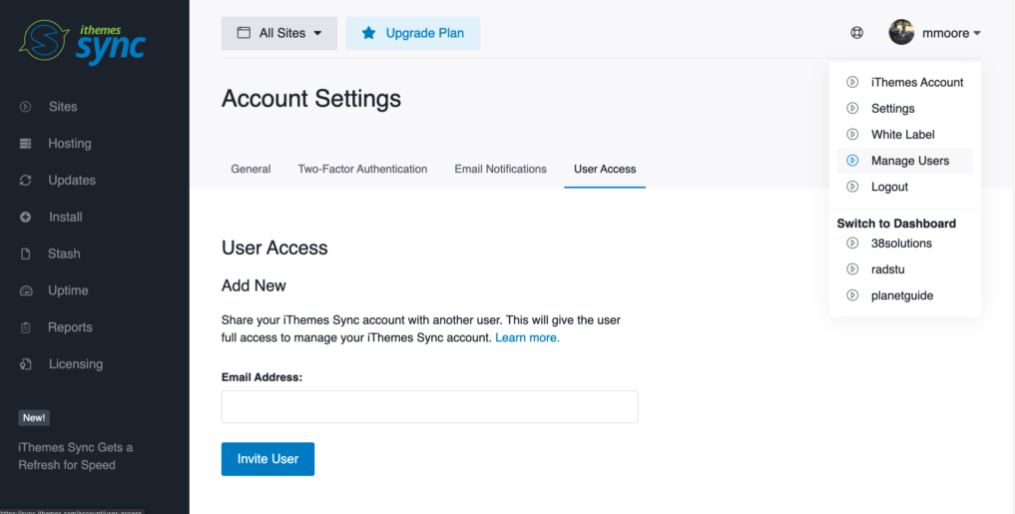
Formerly called iThemes, Solid Central is a site management tool that renders security protection, backup, and basic website management. It combines multiple tools into a single ecosystem, giving you the needed tools to manage important aspects of your websites.
With features like Solid Security, Solid Central protects your website against malware and other WordPress website vulnerability. Its security system boasts features like file change detection and brute force protection, which helps prevent unauthorized access and malware risks.
The platform boasts backup functionality via is Solid Backups product. This feature lets you create and restore backup seamlessly.
Vulnerability monitoring is another feature that sets the platform apart. This is down to its integration with Patchstack. This feature lets you detect vulnerabilities in plugins and themes earlier before hackers exploit them.
Intuitive interface makes Solid Central accessible for beginners and advanced users. You can navigate through the different tools on the platform and manage your websites even if you lack technical knowledge, lowering the learning curve.
While Solid Central boasts a wide range of value features for site maintenance, it’s important to mention that it is not a full-scale WordPress site management platform like several competitors on this list. Its core strength is on security rather than workflow optimization and advanced automation.
Overall, the platform is a decent for users who places more priorities on protection over advanced automation.
Highlighted Features:
- Security protection
- File change detection
- Scheduled backup
- Centralized updates
- Backup system
- Brute force protection
Solid Central Pros:
- Beginner-friendly
- Solid security features
- Ideal for small websites
- Reliable backup system
Solid Central Cons:
- Fewer bulk management features
- Features limited advanced automation
- Solid Central isn’t a full management platform
3. WP Remote:

WP Remote is another InfiniteWP alternative built with beginners in mind. With intuitive interface, the platform makes website security and maintenance a breeze.
With a decent backup system, WP Remote allows you to schedule the backup type ideal for your website. You can setup incremental or full backup, ensuring you create the needed backup for your site.
This platform is designed to provide decent security protection to sites. It boasts the capacity to scan, detect and remove malware, preventing security breaches that can damage your sites’ reputation.
WP Remote gives you a centralized dashboard upon signing up. From there, you can manage updates, monitor uptime, and website performance for multiple websites simultaneously. No need to login into each website individually.
This platform also promotes safe updates. It allows pre-updates checks and offers access to rollback option. This means you can revert to a plugins pre-update state, helping you prevent site breakage during updates.
While many users may find WP Remote appealing for its features, pricing can be a deal-breaker. Though scalable, its price increases with usage. This makes it an unrealistic target for agencies and freelancers on a budget.
Highlighted Features:
- Cloud-based system
- Safe update feature
- Uptime monitoring
- Performance tracking
- Malware and vulnerability scanning
Pros:
- Scalable
- Safe updates
- Solid security features
- Performance insights
- Reliable backup system
Cons:
- Free plan unavailable
- Price increases with usage
4. ManageWP:
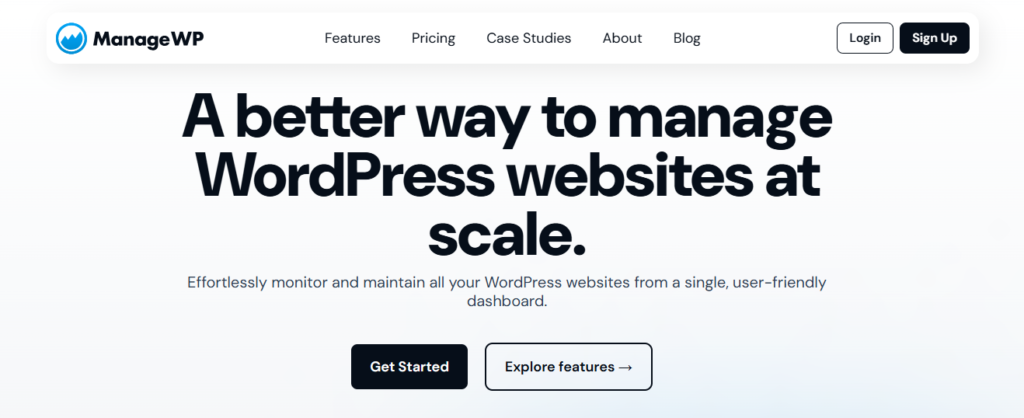
ManageWP is a beginner-friendly WordPress management tool packed with exciting beginner-friendly features. It focuses on ease of use and provides essential WordPress website management features.
Keeping a website up-to-date is both crucial for security and performance. ManageWP’s one-click update enables quick and easy updates of plugins, core and themes. No manual login needed. Update themes, plugins and core of all your websites simultaneously.
The platform provides uptime monitoring, letting you detect downtime and respond timely. Keeping your clients’ websites up can boost your trust in your services, encouraging repeat patronage. You also maintain users trust by keeping your website online round the clock.
The platform boasts backup functionality, letting you create backup and restore the same when the need arises.
Performance check is another highlighted feature of the tool. It provides details into site speed and health. That way, you can improve website speed, improving your search engine ranking. Higher ranking means higher organic traffic to your clients’ websites.
Though feature-rich, ManageWP is more suited to small and medium-sized projects. Agencies managing large website portfolios and seeking a scalable management platform with advanced features may want to consider other alternatives.
Highlighted Features:
- Bulk action
- Freemium model
- Performance checks
- Uptime checks
- Schedule backups
- Features one-click updates
- Boasts decent backup system
Pros:
- Beginner-friendly
- Features a free plan
- Decent client-reporting system
- Scalable for small projects
Cons:
- Not ideal for large agencies
- Advanced features requires add-ons
- Add-on pricing can raise cost
5. CMS Commander:
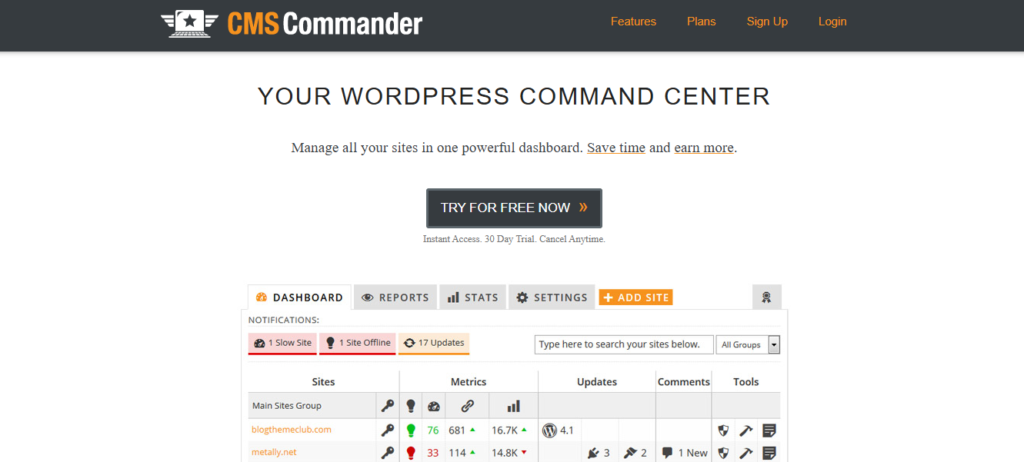
CMS Commander is a unique management tool capable of handling bulk operations and content management. From a single dashboard, you can manage multiple websites.
The fact that the platform focuses on content publishing, monetization and affiliate workflows makes it more suitable for marketers rather than users focused on management tools that can handle technical maintenance.
Bulk content publishing is one of the platform’s highlighted features. It lets you publish content on multiple websites simultaneously. This makes it ideal for users running niche websites. It boosts workflow efficiency, reducing the time spent publishing content on multiple websites.
While CMS Commander focuses heavy on content management, it still boasts several WordPress site management tools. These include features like backup and updates.
While CMS Commander’s backup and update features are functional, they are basic tools. They aren’t as advanced as most InfiniteWP alternatives focused on WordPress website management.
On this platform, you can update themes and plugins of multiple websites from a single dashboard. This makes it easier to manage multiple websites and block loopholes before hackers strike. Unfortunately, the platform lacks advanced safety tools available in most modern InfiniteWP alternatives.
If you’re seeking a tool that can handle technical website management, CMS Commander might not be a wise choice. However, if you’re seeking a tool with basic management features and robust content-focused workflow, CMS Commander will make a decent choice.
Highlighted Features:
- Content automation
- Bulk content posting
- Plugin management
- Scheduled positing
- User management
- Website monitoring
CMS Commander Pros:
- Centralized dashboard
- Multi site control feature
- Bulk publishing capabilities
- Decent option for blog networks
- Robust content management feature
CMS Commander Cons:
- Outdated interface
- Limited security features
- Limited scalability for agencies
- Weak automation for site maintenance
6. MainWP:
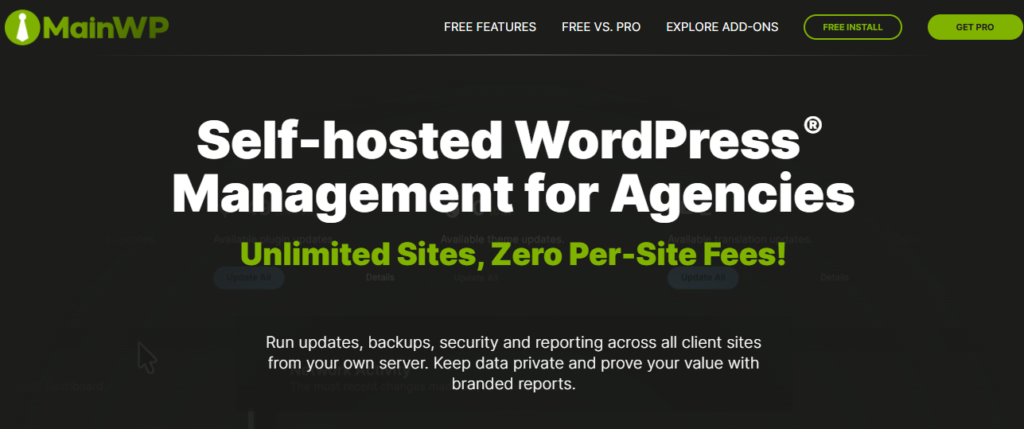
A self-hosted WordPress management platform, MainWP is established for users interested in having full control over their data. However, note that it’s different from SaaS tools. Being self-hosted means you need to install it on your own server.
While MainWP being self-hosted gives you control over your data that freedom comes with some complexities. You require strong technical knowledge to install and use the tool. Aside from being technically complex, you need to handle the maintenance responsibilities.
Flexibility is one of the highlighted features of this platform. Using extensions, users can customize the platform to suit their needs. This enables advanced configurations and tailored workflows. The flexibility and customization makes the platform a decent choice for developers and advanced users.
MainWP features a centralized dashboard from where you can control your website maintenance. Update plugins, backup and monitor your websites all from one place. This reduces manually effort and the need to login to each website individually to perform routine tasks.
The platform supports backup integration, allowing you to protect your data. But understand that backup functionality would require using additional extension which can make the tool more complex for most users.
The interface could be another deal-breaker for beginners. Because its complex, beginners may require some learning to understand how to use the tool.
MainWP is a decent choice for agencies and developers seeking absolute control over their data. The fact that it’s self-hosted makes it so. However, if you’re seeking a simple and reliable WordPress management tool that still gets the job done, you may want to look elsewhere.
Highlighted Features:
- Self-hosted platform
- Monitoring system
- Centralized dashboard
- Data ownership
- Workflow customization
- Developer-friendly
MainWP Pros:
- Scalable
- Strong community
- Extension support
- Multi-site support
- Highly customizable
MainWP Cons:
- Complex setup
- Steep learning curve
- Not beginner-friendly
- Performance depends on server
7. WPMU DEV:
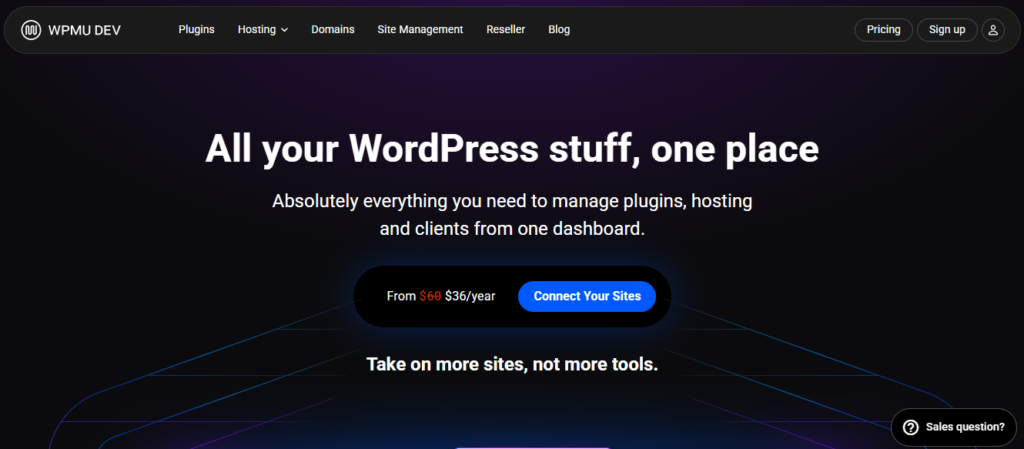
A comprehensive WordPress management platform, WPMU DEV boasts capabilities beyond website management. It offers hosting, performance and even security tools.
Because it provides an all-in-one solution, WPMU DEV is a good fit for developers and agencies handling the management of multiple websites. From “The Hub” a centralized dashboard, you can manage multiple websites.
Like other WordPress management tools, WPMU DEV renders backup solutions. You can backup all your managed websites from a single dashboard to make website restoration a breeze.
This platform features performance optimization tool designed to improve website performance. The performance optimization tools include image optimization and caching. Optimizing both aspects of your websites improves website loading speed and user experience. A fast loading website boasts a better opportunity to rank high in SERPs than a slow one.
This platform also takes security seriously, as it features malware scanner and protection tool to find and address security threats before criminals exploit them. Its reporting tool also makes it possible to create and send in-depth details about the state of the managed sites.
Highlighted Features:
- Centralized dashboard
- Hosting integration
- Multi site management
- Monitoring tools
- Website analytics
WPMU DEV Pros:
- Performance tools
- Decent security strength
- Improved client reporting
- Features a centralized dashboard
WPMU DEV Cons:
- Tool can be extremely expensive
- Most features are tied to hosting
- Platform has a steep learning curve
InfiniteWP Alternatives and Their Limitations (A Comparison Table)
These are the InfiniteWP alternatives we handpicked. Check out their limitations.
| Tools | Limitations | |
| 1. | WP Managify | ● SaaS-based platform |
| 2. | SolidWP | ● Fewer bulk management features● Features limited advanced automation● SolidWP isn’t a full management platform
|
| 3. | WP Remote | ● Free plan unavailable● Price increases with usage |
| 4. | ManageWP | ● Not ideal for large agencies● Advanced features requires add-ons● Add-on pricing can raise cost
|
| 5. | CMS Commander | ● Outdated interface● Limited security features● Limited scalability for agencies
● Weak automation for site maintenance
|
| 6. | MainWP | ● Complex setup● Steep learning curve● Not beginner-friendly
● Performance depends on server
|
| 7. | WPMU DEV | ● Quite costly● Most features are tied to hosting● Platform has a steep learning curve
|
Conclusion
Choosing InfiniteWP alternatives is a wise move. These alternatives offer users something InfiniteWP lacks. They simplify WordPress website management, enabling agencies and freelancers to manage multiple websites effortlessly.
While there are several InfiniteWP alternatives, it’s important to understand that not all alternatives are the same. Most WordPress management tools only have basic automation features, meaning they can’t handle projects that require advanced workflow automation.
That is why we handpicked these alternatives. These are the top InfiniteWP replacements that can enable you manage multiple websites efficiently. These include backup, uptime monitoring, security scanning, and website performance monitoring.