






WordPress Management Tool to Manage All Your Websites from One Place
Save time and reduce stress with WP Managify — the ultimate WordPress management tool for handling multiple websites. From bulk updates to uptime monitoring and detailed client reports, WP Managify gives you everything you need to stay organized and grow your business efficiently.
Join over 3,000 agencies and freelancers who trust WP Managify to manage 35,000+ WordPress websites


Powerful Features to Manage WordPress Smarter
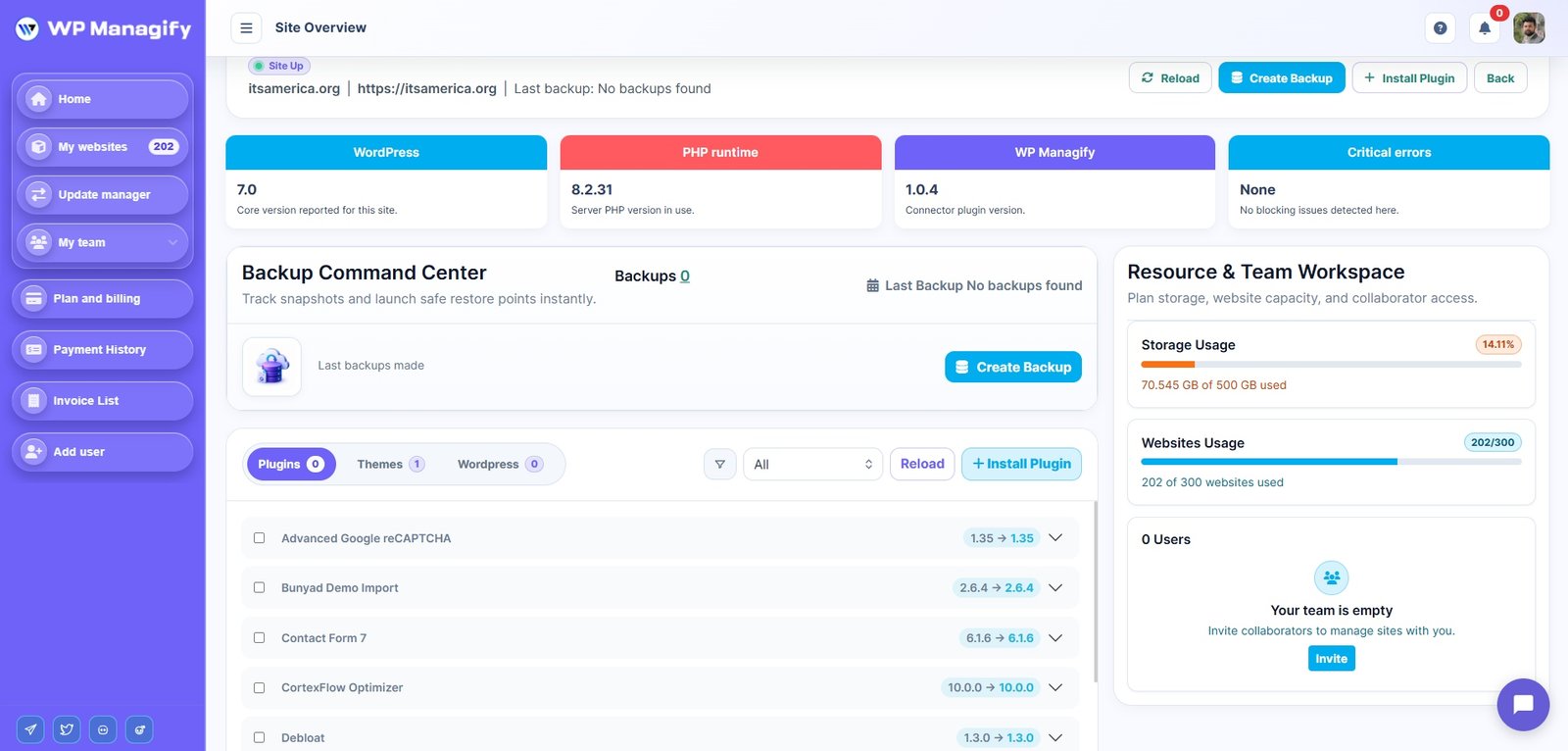
One Intuitive Dashboard
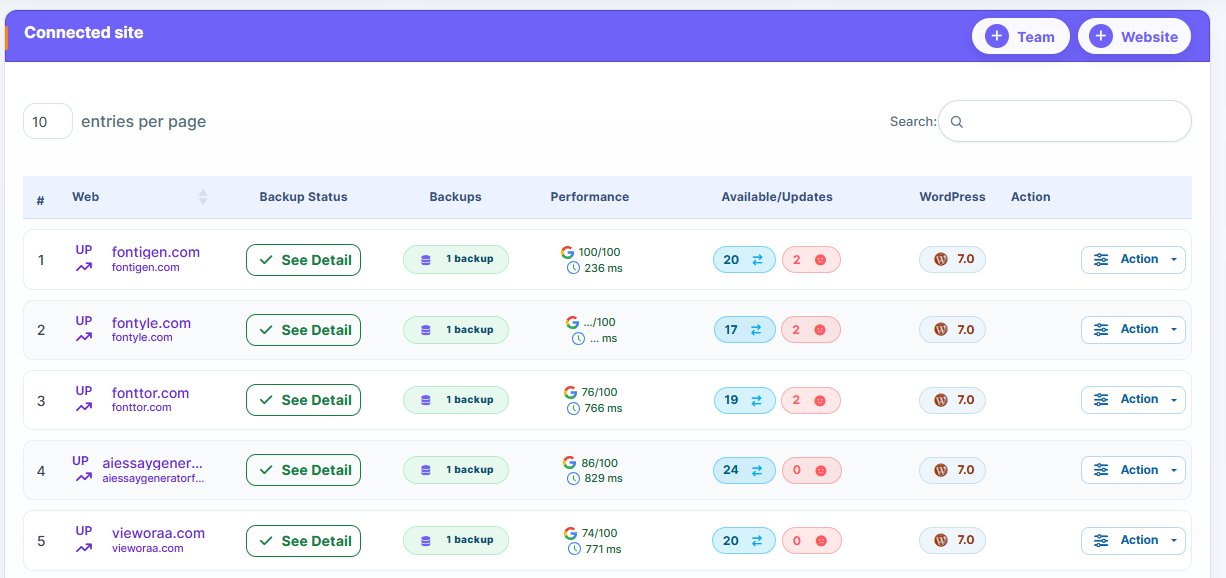
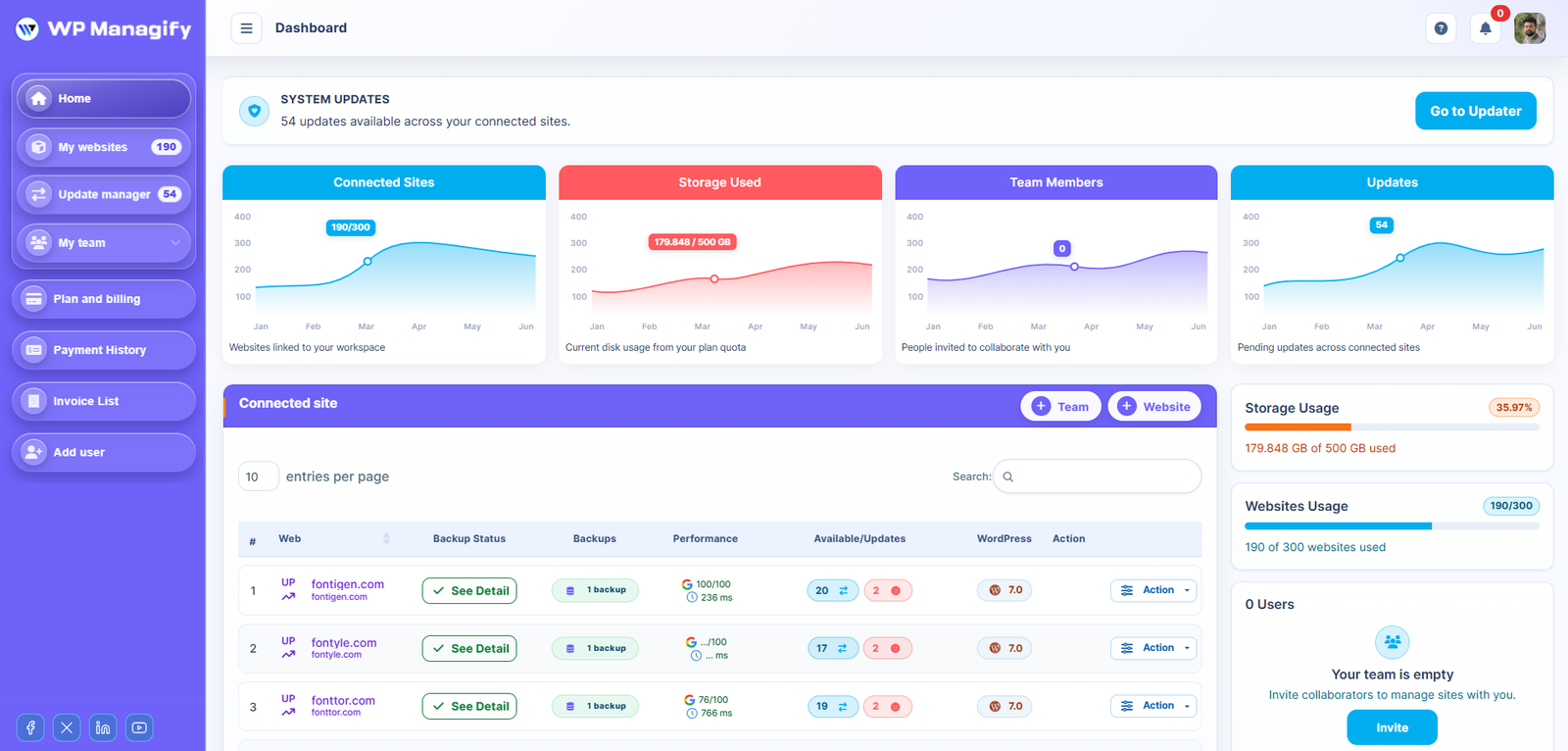
With WP Managify, managing multiple WordPress sites is effortless. Our intuitive dashboard brings all your key metrics together. Monitor performance, updates, backups, and security with just a few clicks. The user-friendly interface streamlines your workflow, keeping everything under control—even without deep technical knowledge.
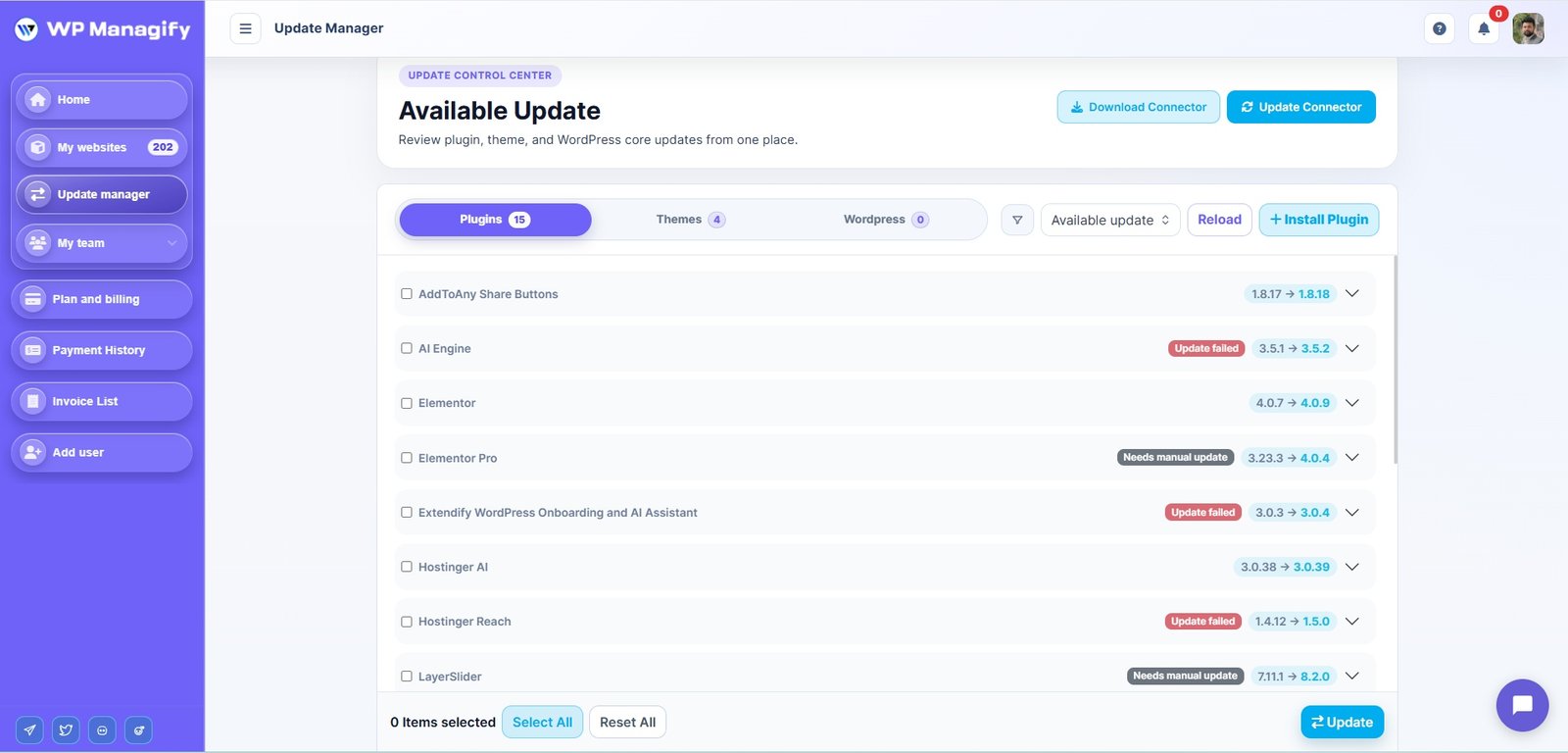
Bulk Updates
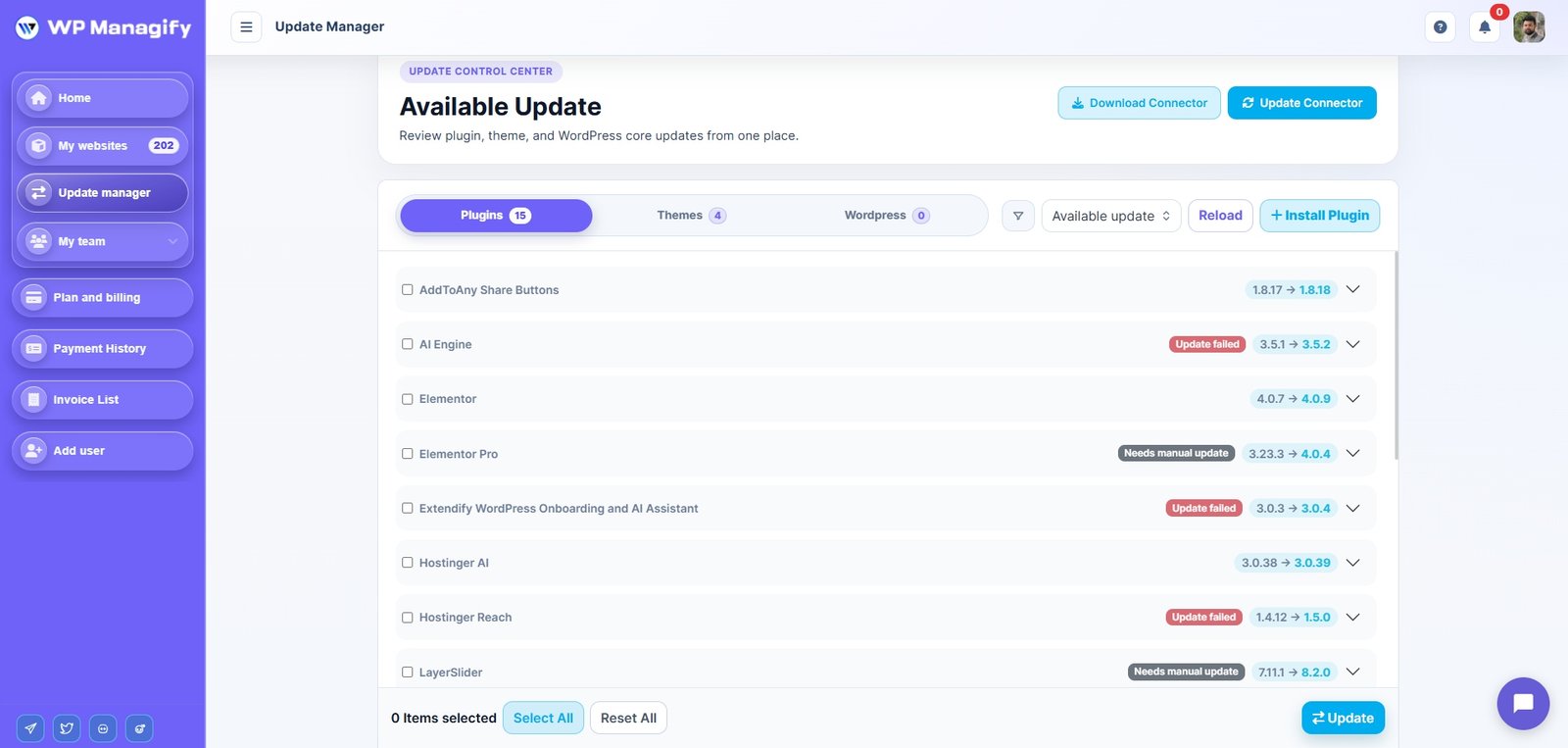
Easily save time by performing bulk updates across multiple websites. Whether you need to update, activate, install, or remove plugins and themes, manage all your sites in one place with just a few clicks. Automate routine tasks and simplify your workflow to focus on other critical aspects of your business.
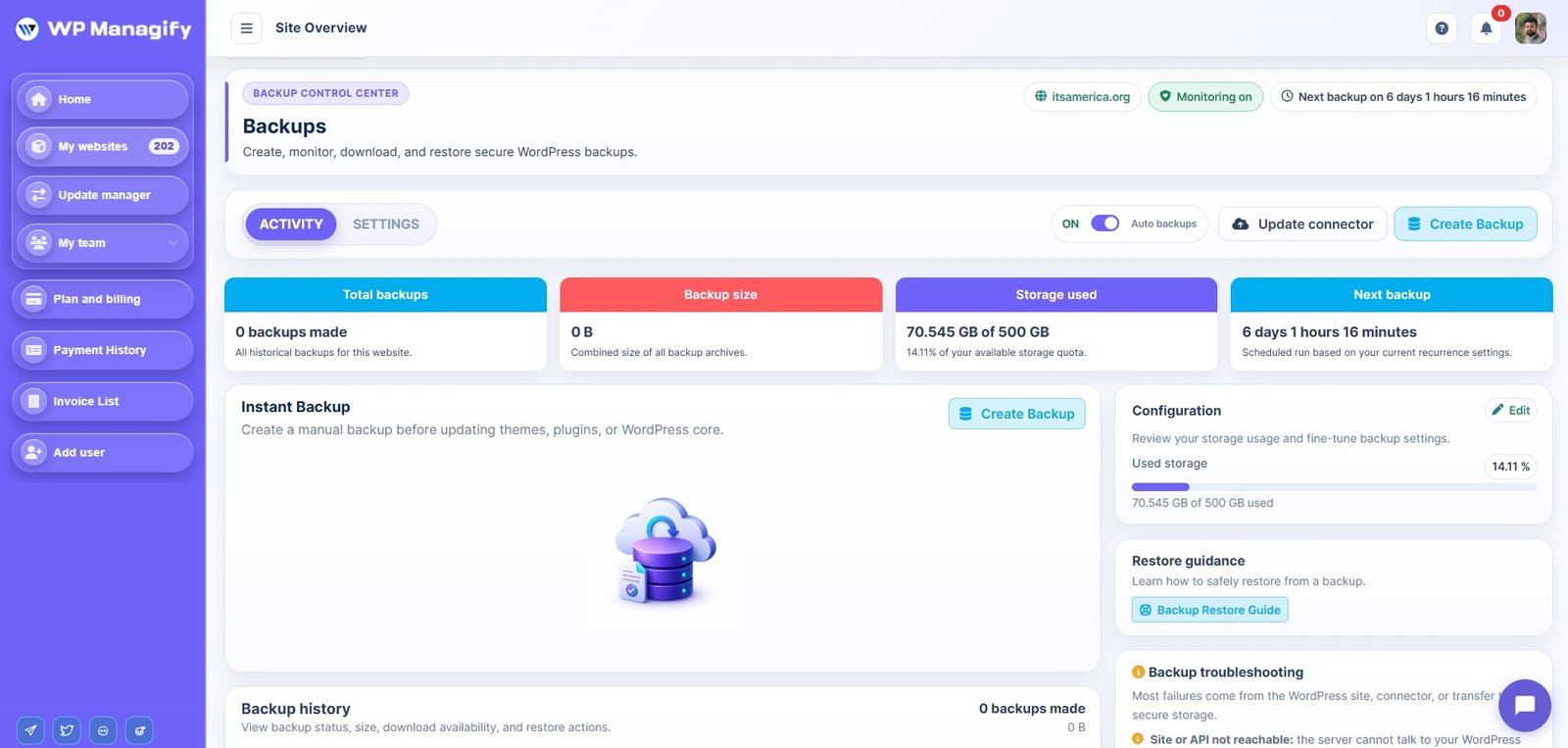
Automated Backups
With automated backups, you can schedule daily, weekly, or monthly backups to ensure your website’s data is always protected. Restoring websites becomes quick and easy, giving you peace of mind that your site is always safe. Plus, our backups are GDPR-compliant, adhering to the best data protection standards.
Plugin & Theme Management
Easily manage your WordPress plugins and themes with WP Managify. Update, install, or deactivate them across multiple sites at once. Ensure consistency, reduce issues, and improve functionality and security. Automate updates and save time—perfect for managing a few sites or hundreds, all from one place.
Client Reports
Create and share customized reports that highlight the value of your maintenance services. Show clients what updates were made, how uptime was monitored, and how their site is performing. These transparent reports help build trust, strengthen relationships, and win more clients while maintaining high customer satisfaction.
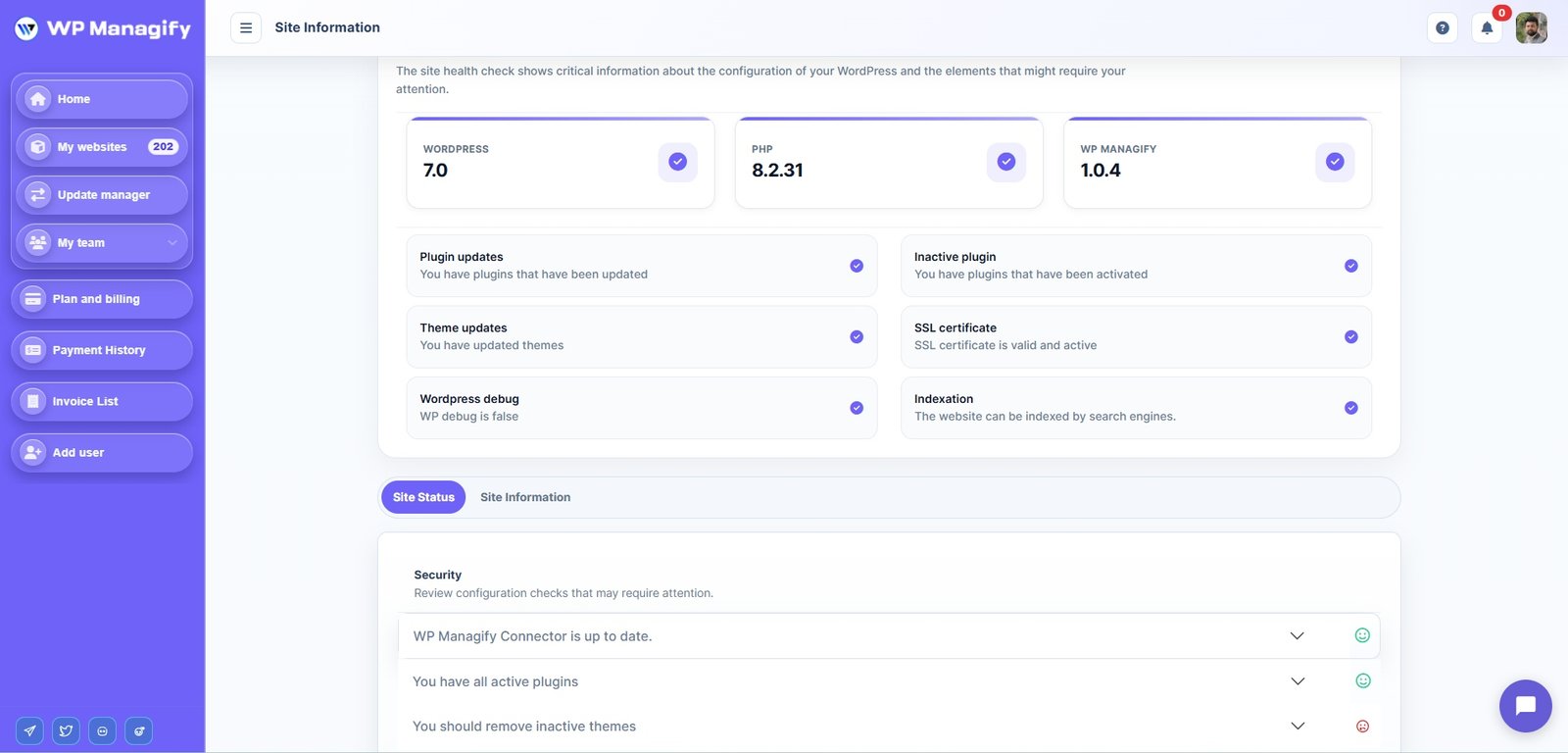
Security & Vulnerability Scans
Protect your websites with automated daily security scans. WP Managify detects vulnerabilities, malware, and risks to keep your sites secure. Identify and fix issues early to prevent costly downtime and data breaches. Stay protected with real-time monitoring and instant alerts.
What Our Users Say

Managing multiple WordPress sites used to be chaotic. With WP Managify, I get real-time alerts, easy client reports, and everything is automated. Absolute must-have!
Jared Thompson
Thrive Digital

WP Managify has been a game-changer for my workflow. I manage over 20 client sites and the bulk updates, backups, and reporting tools save me hours every week.
Emily Varela
Freelance Web Designer

I’ve tried many platforms, but WP Managify stands out for its ease of use and powerful features. My clients love the uptime monitoring and sleek reports.
Sofia Mendes
E-commerce Consultant

From plugin management to automated backups, WP Managify handles everything seamlessly. I finally have peace knowing my team and clients are always covered.
Liam O’Connor
Tech Lead

Why Choose WP Managify?
WP Managify simplifies your WordPress maintenance with a powerful, user-friendly dashboard. Easily handle bulk updates, schedule automated backups, and run real-time security scans — all from one intuitive platform designed to save you time and reduce hassle.
Whether you’re a freelancer, agency, or part of a growing team, WP Managify helps you deliver consistent, reliable results. Impress clients with branded reports, automate routine tasks, and gain full control over your website performance — with peace of mind built in.
Streamlined Steps for Efficient WordPress Management
Connect Your Websites
Easily integrate all your WordPress sites into WP Managify. With just a few clicks, connect and organize your websites in one centralized dashboard.
Automate Routine Tasks
Set up automated tasks like updates, backups, and security scans. Let WP Managify handle these repetitive tasks, so you can focus on what matters.
Monitor & Optimize
Track the performance and uptime of your websites. Receive real-time alerts for any issues, and make adjustments to improve speed and performance.
Deliver Results to Clients
Generate professional reports and show the value of your work to clients. Keep them informed with clear, scheduled updates.

Websites Managed
Uptime Monitored
Automated Backups
Agencies Trust
Tips, Guides & Resources for Web Professionals
Frequently Asked Questions (FAQ)
WP Managify is a centralized WordPress management tool/plugin that allows agencies, freelancers, and website owners to monitor, update, and maintain multiple WordPress sites from a single dashboard.
By centralizing multi-site management, bulk updates, backups, and performance monitoring, WP Managify eliminates repetitive tasks, allowing you to manage all client websites efficiently in one place.
Yes, you can connect and manage multiple WordPress sites, including WordPress multisites, from a single dashboard. This includes plugin and theme updates, backups, activity tracking, and performance monitoring.
Yes, WP Managify provides uptime monitoring and tracks performance metrics such as response times. You receive real-time alerts if a site experiences downtime or performance issues.
Yes, WP Managify allows you to schedule regular backups for all connected sites. This ensures website data is safely stored and can be restored if needed.
WP Managify shows available updates for plugins, themes, and WordPress core. You can perform bulk updates or schedule maintenance tasks to keep all websites up to date.
Yes, WP Managify lets you create professional, branded reports on updates, backups, performance, and activity. Reports can be shared with clients to show proactive site management.
You can assign roles and permissions for team members, controlling access to updates, reports, backups, and other management tasks for all connected websites.
Yes, all credentials and website data are encrypted and stored securely. WP Managify follows GDPR-compliant protocols to protect your client websites.
Getting started is simple: sign up for an account, connect your WordPress sites, customize your dashboard, and start managing updates, backups, and performance monitoring immediately.
Get Started with WP Managify
Start automating your workflow and manage multiple WordPress sites with ease. Sign up now to get started!