Manage Multiple WordPress Sites from a Single Dashboard
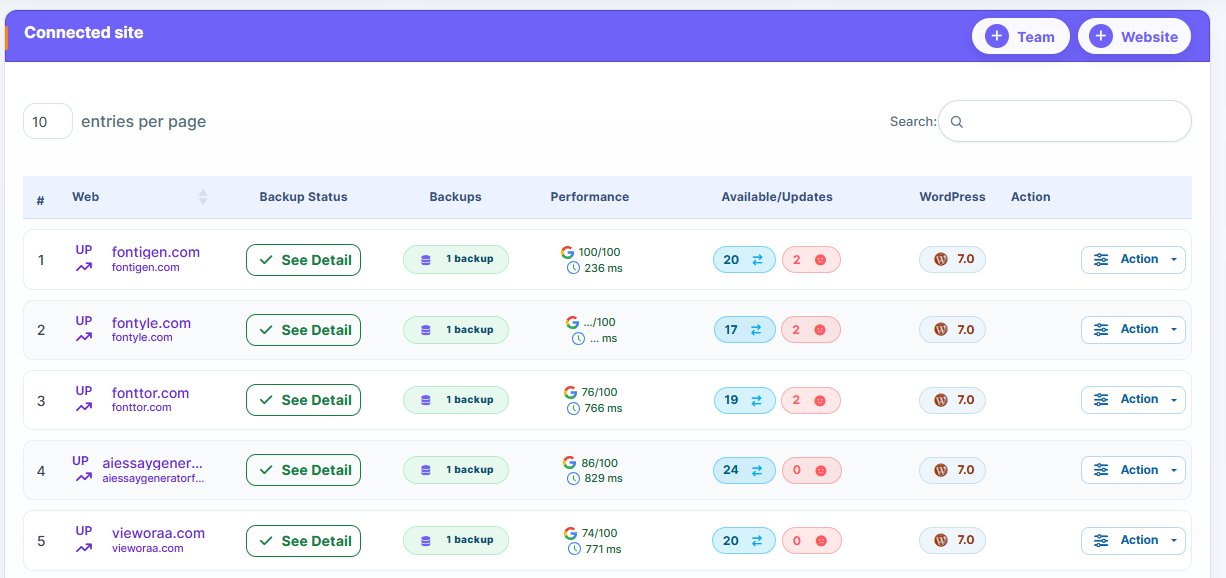
Centralize control of all your WordPress sites with WP Managify’s multi-site dashboard – saving time, improving efficiency, and keeping your sites secure and up-to-date.
- Bulk updates for plugins, themes, and WordPress core across all sites
- Real-time uptime monitoring and security scans
- Generate branded client reports and activity logs

Key Features of WP Managify Multi-Site Dashboard

- Centralized Website Management
View and track the status of all WordPress sites from a single dashboard. Monitor plugins, themes, backups, and WordPress core updates. Ideal for agencies, freelancers, and multi-site owners.
- Bulk Updates & Maintenance
Perform updates for WordPress core, themes, and plugins across multiple sites simultaneously. Schedule routine maintenance tasks for multiple websites with one click to save time.
- Real-Time Monitoring
Monitor uptime, performance, and security alerts for all connected sites. Receive instant notifications for downtime, plugin errors, or security threats.
- Multi-Site Reporting
Generate detailed, white-labeled client reports for all your websites. Demonstrate proactive management and centralized WordPress maintenance.
- User & Access Management
Assign roles and permissions for team members across multiple sites. Track activity logs, user actions, and account changes from one interface.
- Customizable Dashboard
Personalize your dashboard to highlight the metrics most important to your workflow. Filter and search for sites quickly to improve efficiency.
Benefits of Managing Multiple WordPress Sites
from One Dashboard
Streamline site management, save time, and easily control all your WordPress sites in one place.

Efficiency
Save hours managing all websites from a single interface.

Consistency
Keep all sites updated, secure, and optimized.

Client Satisfaction
Deliver faster results with unified reporting and transparency.

Control
Maintain complete oversight of multiple WordPress sites simultaneously.
Proactive Management
Detect issues early and reduce downtime risks.
Why Choose WP Managify for Multi-Site Management?
WP Managify simplifies multi-site management, offering easy plugin updates, backups, and security monitoring—all from one centralized dashboard.
| Feature | WP Managify | Competitors |
|---|---|---|
|
Centralized Dashboard |
|
|
|
Bulk Updates & Maintenance |
|
Limited |
|
Multi-Site Monitoring |
|
Limited |
|
White-Labeled Reports |
|
Limited |
|
Role-Based Access |
|
|
Trusted by Agencies & Multi-Site Owners
providing reliable WordPress management, performance monitoring, and security oversight.
How It Works
A step-by-step look at how WP Managify monitors and protects your WordPress sites with security tools.
- Connect All WordPress Sites
Add single or multisite WordPress networks.
- Customize Dashboard & Set Alerts
Tailor metrics and notification preferences.
- Perform Bulk Updates & Maintenance Tasks
Update WordPress core, themes, and plugins across multiple sites.
- Monitor Performance & Generate Reports
Track uptime, security, and plugin status.
- Optimize & Scale Efficiently
Analyze reports to maintain secure, high-performing sites.
Security & Compliance
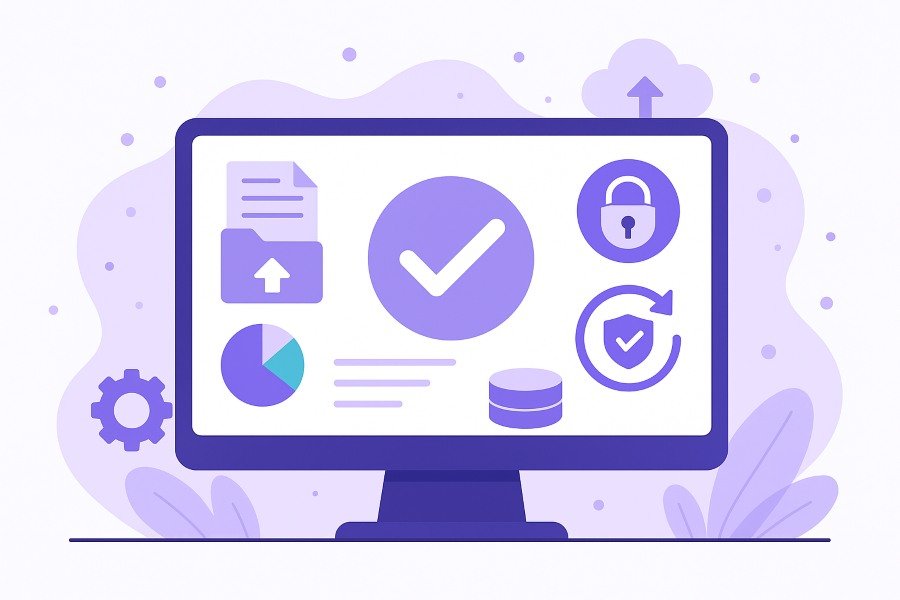
Providing complete security with thorough monitoring and protection for your WordPress sites.
User Access & Activity Tracking:
Role-based permissions and audit logs ensure accountability.

End-to-End Encryption:
Protect all credentials, data, and updates.
GDPR-Compliant:
All management and reporting meet GDPR standards.
Frequently Asked Questions
Quick answers to common questions about managing bulk plugin updates with WP Managify.
Yes, you can connect and manage as many sites as your plan allows, including WordPress multisites and standalone installations.
Yes, WP Managify allows bulk updates for WordPress core, themes, and plugins, saving time and maintaining consistency.
Yes, the platform supports single and properly configured WordPress multisite networks for centralized management.
Absolutely. WP Managify provides integrated uptime monitoring, performance checks, and security scans across all sites.
Generate branded, white-labeled reports showing updates, plugin status, uptime, and security activity for one or multiple websites.
Yes, role-based access allows you to manage user permissions, maintain audit logs, and track team activities efficiently.
Yes, receive alerts for downtime, performance issues, or detected security vulnerabilities. Plugin-specific errors are also tracked.
Yes, you can personalize filters, metrics, and layout to focus on the sites and data most important to your workflow.
All data is encrypted, stored securely, and GDPR-compliant. Role-based access ensures only authorized users can make changes.
Yes, schedule automatic backups, updates, and WordPress maintenance tasks for one or multiple sites in a single click.
Manage All Your WordPress Sites From One Dashboard. Save Time, Stay Secure, Stay Updated.
Take control of all your WordPress sites in one place. Save time, stay secure, and keep everything updated.