Several Modular DS alternatives have proven to be game-changers. They offer a level of reliability and scalability you can only get from highly priced tools. Yet, most of these alternatives are budget-friendly.
Using the WordPress management tool improve efficiency in your workflow. Agencies and freelancers managing multiple websites get a single dashboard to manage tasks usually done manually.
You can automate backup, plugin updates, security and uptime monitoring and more with these alternatives. But bear in mind that while several Modular DS replacements exist; most of them aren’t worth considering.
Here, we have manually handpicked several alternatives to Modular DS that makes website management effortless. We provided details about each tool’s features, pros, cons and pricing to help potential users make an easy decision. Keep reading for more details.
How WordPress Website Management Tools Impact Your Daily Website Maintenance Operations
Have you tried managing several websites manually? You probably have told yourself that you would never try such again because of the stress involved, risk and time spent daily. It can be so tiring.
WordPress management platforms are a blessing in disguise. These tools make managing multiple WordPress websites so easy. Here, we discussed how using a management tool can impact your daily operations. Let’s jump into it.
1. Time saved for each update cycle:
If you’re managing multiple websites, your daily routine would include logging into each website’s dashboard to initiate updates, backups, and other routine tasks manually. Imagine doing this repeated for 10, 20 or 50 websites. There’s a high chance that you might skip some websites if you were doing the task alone.
Dealing with such repetitive workflow can quickly become overwhelming particularly for freelancers and agencies managing dozens of WordPress websites. Using a centralized WordPress management tool makes managing dozens of websites a breeze.
How do centralized management tools save time per update cycle?
It’s simple. They provide a centralized (single) dashboard where you can connect all the websites you want to manage. A single interface, multiple features!
Most management tools even supports bulk updates. You can update plugins, themes and core for all the managed websites from a single dashboard. You can even backup, and monitor each site from a single dash. You don’t need to login to each website individually.
On most management tool’s dashboard, you can automate daily routine tasks like backup, and updates. The only time you would need human intervention is when setting up automation and scheduling. Once scheduled, backups and updates will start running at scheduled dates and time.
A Handy Tip: Schedule automatic updates to run during low-traffic periods. Doing so will reduce disruptions and improve user experience.
Using automation technologies have been proven to be a game-changer for businesses. McKinsey’s report shows that such tools can reduce the time businesses spend on repetitive tasks by up to 30%.
2. Bulk operations efficiency:
WordPress management tool’s bulk operations capability sets them apart. You don’t need to login to each website individually to update plugins or themes. You only need to login into your management tool and bulk-update the plugins and themes for all the connected websites.
A research by IBM highlights the benefits of batch processing systems to businesses. The research reveals that it can improve IT operations’ efficiency by over 40%. This translates to fewer manual errors and faster execution when used in WordPress environments.
The consistency in all the managed websites is another thing that makes management tool’s batch process system a gamer changer. You won’t miss a single plugin or theme update for any of the managed website.
Being consistent is crucial for freelancers and agencies handling multiple clients’ websites’ maintenance. Inconsistency can cause system instability and high security risk.
Hackers are always looking for loopholes they can exploit in the WordPress sites. Every WordPress site is a potential target. In fact, a security report shows 30,000 websites are hacked daily globally. Data also shows vulnerable themes and plugins are the number one reasons WordPress websites are hacked.
3. Task automation impact:
WordPress management tools that support automation are gamer changers. You can automate backups, security scans and uptime monitoring. Schedule each task to run automatically. That’s how WordPress management platforms automation works.
Automation reduces the need for manual intervention. You only need to schedule the tasks manually once. The platform will execute with little or no manual oversight.
A research by Gartner shows the power of automation. It reveals that automation improved productivity in IT workflow by around 25%. This translates to website management success in WordPress management.
Automating daily maintenance tasks improves reliability and reduces the number of mixed updates. The possibility of human error happening during the site maintenance reduces drastically too.
Proactive issue identification is another benefit that automation offers. Users get notified instantly when there is an issue, making resolution timely. This greatly improves user experience and uptime.
The Untold Risks of Bulk Updates in WordPress Management Platforms
Bulk updates are one of the core strength of WordPress management tools. The process improves efficiency and saves time.
While using bulk updates are important features in WordPress tools, they boast hidden risk.
What is the hidden risk with bulk updates?
Bulk updating themes, plugins and core files can introduce compatibility problems. Conflicts of such nature give rise to WordPress errors, causing websites to experience downtime.
When you apply multiple updates simultaneously and a problem arises, the cause of the problem becomes difficult to pinpoint. A website experiencing such can face prolonged downtime. Troubleshooting can even take longer.
The possibility of these issues occurring when bulk-updating is a reason why users must understand dependencies between plugins. And always ensure you review updates before applying them. When you do, you reduce the risk of breaking your website’s functionality.
Must-Know Safe Update Strategies
How can you increase the chances of your updates running smoothly? The simple strategy is by testing your updates before you apply them to the live websites.
Why should you test update before applying them?
When you test updates before applying, you can pinpoint any issue and resolve them in a controlled environment.
Another strategy is to use incremental updates. In other words, update the plugins but do it one at a time.
When you implement incremental updates, you’ll be able to know where issues are arising from. You’ll have better control over your website updating process.
Are regular backups an effective strategy? Yes, they are.
Why should you create regular backups? When you have backups, you can update your website without fear. Even if something goes wrong, you’ll be able to quickly restore your website.
Regular backup prepares you for unexpected issues, and reduces downtime. The reduced downtime stems from the fact that you can easily restore your website to its previous working state.
Top Modular DS Alternatives For Better WordPress Management
Switching to Modular DS alternatives is a logical step for agencies and freelancers seeking a reliable platform. Here, we have handpicked several reliable and scalable alternatives that can improve productivity. Check them out below!
1. WP Managify (A Full WordPress Management Tool):
WP Managify is a scalable and lightweight WordPress management platform built with agencies and freelancers in mind. It lets you streamline the management of multiple websites via a centralized system without blowing your budget.
Most Modular DS alternatives offer scalable pricing. Their prices increase as the number of websites increase. But WP Managify was built different. The highest plan supports unlimited number of websites without hidden cost.
The management platform is strictly for WordPress websites. So if you’re looking for a management tools that can handle other platforms different from WordPress, you might want to look elsewhere.
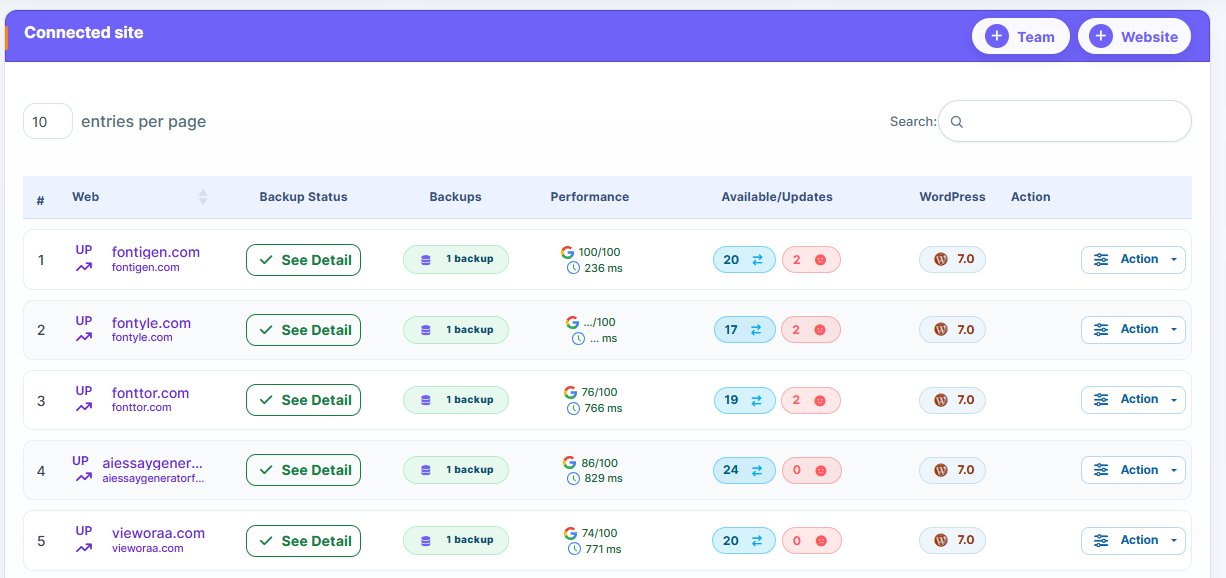
With WP Managify, you can automate backup, and uptime monitoring. It supports bulk updating, letting you update plugins and themes of multiple websites simultaneously without experiencing break in your website.
The platform’s real-time alerts notify users when there is update failure or downtime for quick response. This helps reduces downtime and reputational damage for clients and WordPress management agencies.
Advanced security monitoring feature helps users identify vulnerabilities early to prevent data breach. This ensures users receive maximum protection round the clock.
WP Managify is a practice WordPress management solution for multi-site users. It’s designed to boost productivity and reduce operational costs.
Key Features of WP Managify:
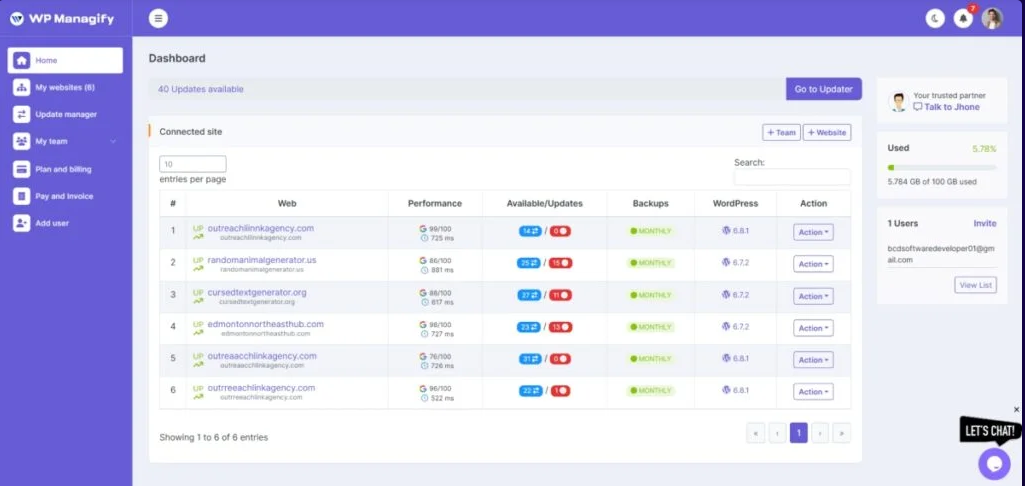
- Centralized dashboard for managing multiple websites from a single dashboard
- Scheduled backups (full or incremental) for data protection and quick recovery
- Automates updates to ensure themes and plugins are always up-to-date to block every loophole hackers can exploit.
- Efficient bulk updates feature ensures all connected websites are updated simultaneously, reducing repetitive tasks.
- Uptime monitoring that sends alert when website is down for quick action.
- White label reporting provides key insight into updates and performances, making communication between agencies and clients smooth and transparent.
- Website performance tracking provides key insight into managed websites’ speed and overall health.
What I Love About This Tool:
- Budget-friendly
- Backup automation
- Easy-to-use interface
- Scalable solution for agencies and freelancers
- Supports unlimited number of websites
- Effective performance tracking
What Needs Fixing
- Ideal for users who fancy SaaS tools
2. MainWP:
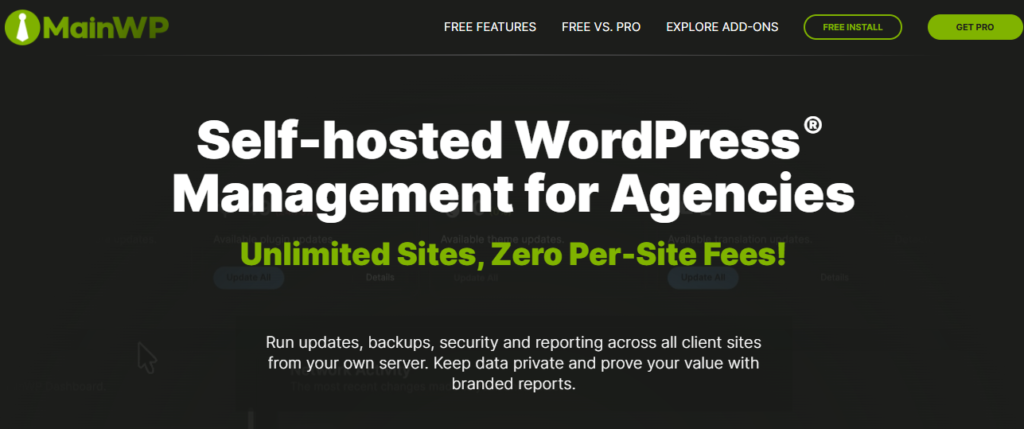
A self-hosted website management platform, MainWP is ideal for users who prefer having absolute control over their infrastructure and data. That’s because it’s self-hosted. But one of the challenges with self-hosted management systems is their complexity. Users require a level of technical knowledge to setup and use them. `
Being self-hosted means users are responsible for MainWP’s installation and maintenance. The technicality required to install and run the tool can confuse most users, making website management more complicated for beginners.
The platform supports centralized updates for core files, themes and plugins. You don’t need to login to individual websites to perform your routine maintenance tasks.
MainWP’s backup integration with other third-party platforms is a major highlighted feature. This ensures websites data are protected always.
The interface isn’t straightforward. It requires some level of initial learning to grasp.
Key Features of MainWP :
- Backup integration
- Self-hosted dashboard
- Supports bulk updates
- Features an extension library
What I Love About This Tool:
- Full data ownership
- No SaaS dependency
- Has a decent support community
- Features flexible extensions
What I Didn’t Like About This Tool
- Not beginner-friendly
- Technical learning curve
- Hosting reliance makes unreliable
- Maintenance responsibility increases cost
3. ManageWP:
ManageWP was designed with beginners in mind. It boasts a simple interface, making it easier for beginners to understand and use.
The tool provides a centralized cloud-based dashboard, giving users opportunity to manage multiple websites from one place. Being a cloud based platform means users don’t have to download additional tools to manage their websites.
ManageWP supports automated backup, allowing you to backup your websites files and data regular. However, its scheduling requires an upgrade.
Uptime monitoring is another highlighted feature of this tool. You get alerts when managed websites goes offline. This allows you to respond quickly and reduce downtime.
The platform’s performance monitoring is another key feature. It tracks website speed, so you can improve website speed if the need arises. This helps improve user experience and search engine rankings.
While this platform integrates seamlessly with WordPress website, add-ons increase cost. Limited customization is another deal-breaker.
Key Features of ManageWP:
- Cloud-based dashboard allows access to site from anywhere
- Uptime monitoring detects downtime for quick response
- Performance monitoring helps track website health and speed
- Decent client reporting feature to improve transparency
What I Love About This Tool:
- Decent reporting
- Fast setup
- Beginner-friendly
- Cloud access
What I Didn’t Like About This Tool
- Limited customization
- Add-ons increases price
- Lacks advanced automation
4. CMS Commander:
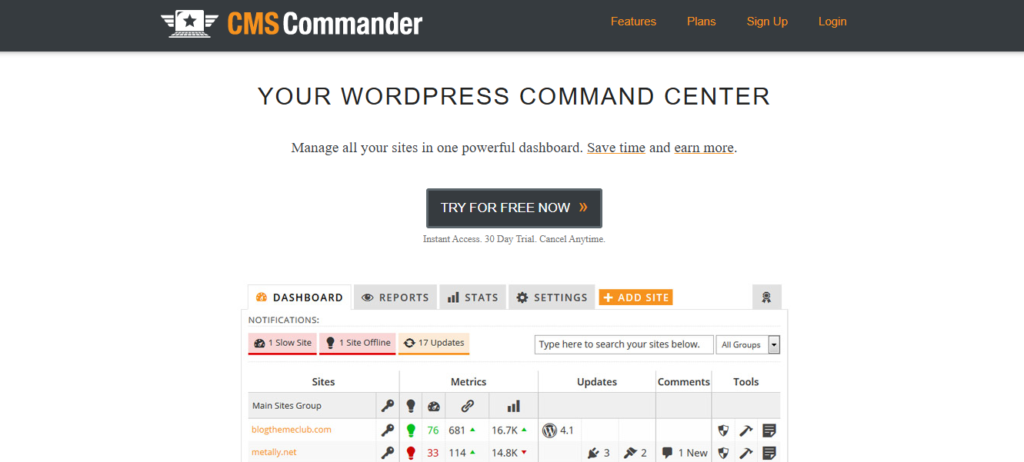
CMS Commander is another platform designed to make managing multiple websites a breeze. You get a centralized dashboard from where you can control updates of plugins and themes across multiple websites. This helps save time and saves you from switching from one WordPress installation to another.
Content automation is another key feature CMS Commander poses. It lets you publish posts across multiple websites simultaneously. You don’t need to login to each site to publish your content. Just login to one dashboard and publish your posts with the push of a button.
Bulk content management simplifies website management. You can edit and update content across multiple websites simultaneously. Users managing large content network will fancy this feature.
While the platform does provide a centralized dashboard to manage multiple websites, it doesn’t provide a clear view of the managed websites. This makes tracking updates and activities a bit challenging.
Like several alternatives Modular DS alternatives, CMS Commander supports role-based management. This feature allows themes to collaborate on management projects efficiently. WordPress management agencies with a large portfolio and team might fancy this feature.
Content publishing users will find this platform more useful than technical website administrations. That’s because of its emphasis on publishing efficiency.
Key Features of CMS Commander:
- Centralized dashboard for managing multiple websites
- Supports bulk content editing and publishing
- Boasts a decent reporting tool
- Features monetization tool for users looking to generate extra revenue
What I Love About This Tool:
- Solid content management features
- A decent choice for affiliates
- Features centralized control
- Boasts bulk publishing apacity
What I Didn’t Like About This Tool
- Outdated user interface
- Features limited advanced monitoring
- Not the best choice for large-scale agencies
- Automation tools are limited compared to several modern platforms
5. Solid Central:
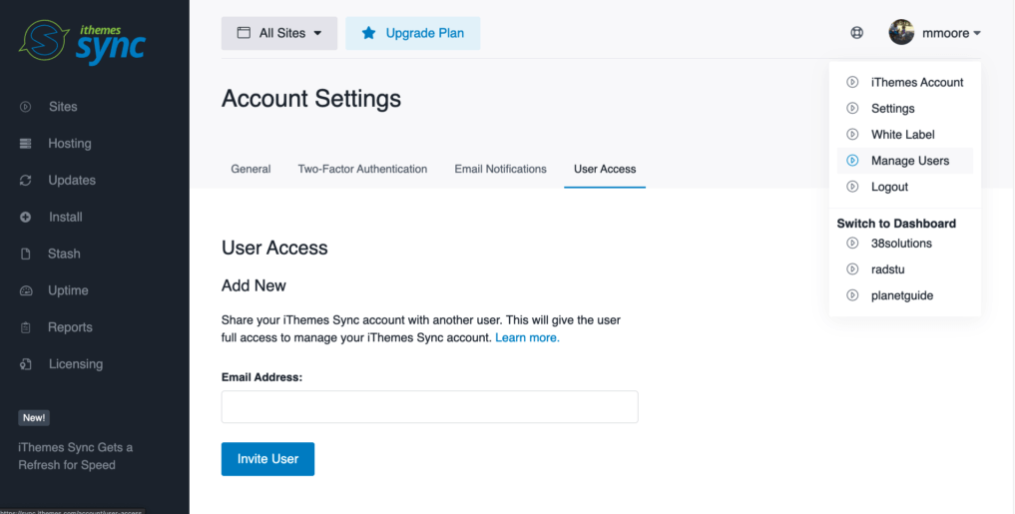
Solid Central (formerly called iThemes Sync) is another Modular DS alternative designed to make WordPress management simpler. The developers designed the platform as part of the SolidWP ecosystem. This means it can integrate seamlessly with other SolidWP tools.
From a centralized dashboard, you can monitor site health, manage updates and control connected websites. Users conversant with other SolidWP tools will find Solid Central appealing. The same thing goes for people who are already using other SolidWP tools.
You can perform bulk updates from this tool. This reduces the time spent on repetitive tasks. You can conduct bulk updates for several websites from a single dashboard.
Though Solid Central’s uptime monitoring isn’t as consistent as several alternatives, it does provide alerts when sites are down. This ensures users respond to issues timely before they become apparent.
Onboarding time and usability aren’t an issue you will encounter while using this tool. It boasts an intuitive interface that simplifies onboarding and usage.
Though not as advanced as several alternatives, Solid Central’s automation feature help streamline website maintenance tasks. This includes tasks like website monitoring, and updates.
Scalability is one of the drawbacks of using this tool. It boasts moderate scalability. This makes it a good fit for small to mid-sized operations.
So you might want to look elsewhere if you’re seeking a platform designed for enterprises. That’s because the platform isn’t enterprise-focused.
Key Features of Solid Central:
- Functions with other SolidWP tools
- Features reporting tool to boost transparency
- Boasts uptime monitoring feature to identify downtime faster
What I Love About This Tool:
- Intuitive interface
- Beginner-friendly
- Good ecosystem support
- Boasts a strong integration
What I Didn’t Like About This Tool
- Boasts small feature set
- Not a wise choice for advanced users
- Requires ecosystem for complete value
6. Infinite WP:
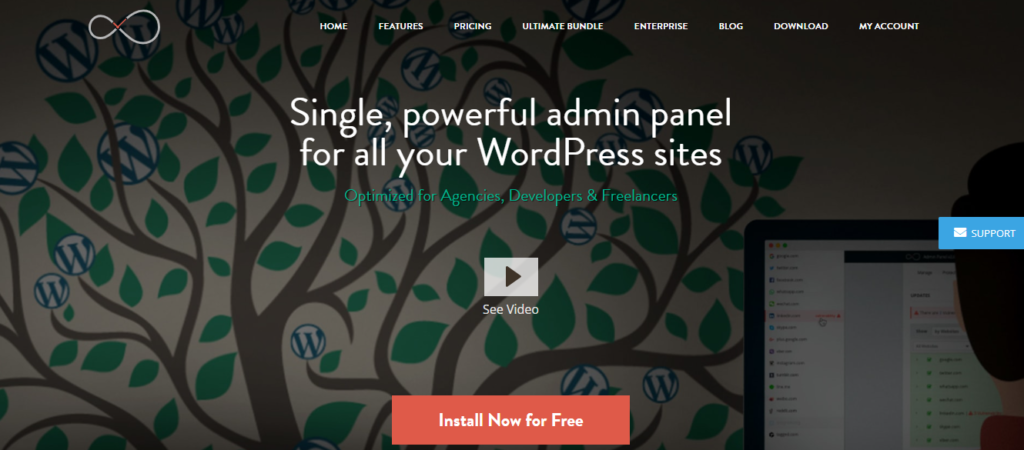
A self-hosted platform, Infinite WP functions in the same manner as other management tool. The only major difference is that it’s self-hosted. That means the maintenance and hosting responsibility falls on the user – you!
The platform provides a centralized dashboard that allows you to management multiple websites effortlessly. Being self-hosted makes it a wise choice for developers and agencies looking for control over their data.
Being self-hosted makes Infinite WP a technically complex Modular DS alternative. The technical know-how required to setup and use the platforms makes it a good fit for advanced users. It’s not a beginner-friendly platform.
This tool supports bulk updates for themes, plugins, and WordPress core updates. This prevents you from performing repetitive tasks, helping you save time and energy. The bulk update features allows even agencies with small teams to manage large website portfolios.
Support for staging and testing workflows sets the platform apart. It allows you to test updates before applying to your live sites, reducing error, and downtime.
While Infinite WP is a decent tool, the interface puts it at a level below several modern Modular DS alternatives. While the interface is functional, most users might find it outdated. This alone can hamper user experience, and serve as a deal-breaker to most users.
The platform boasts a strong scalability. It can deliver decent performances for agencies managing large website portfolios.
Key Features of Infinite WP:
- Self-hosted dashboard for full control of data
- Monitoring tools keeps track of website health
- Bulk updates improves efficiency and saves time
- Backup system for data protection and quick restore
What I Love About This Tool:
- Full control
- Scalable option
- Customizable
- No SaaS dependency
What I Didn’t Like About This Tool
- Boasts outdated UI
- Setup can be too complex
- Tool not beginner-friendly
- Limited built-in automation
- Platform requires hosting and maintenance
7. WP Umbrella:
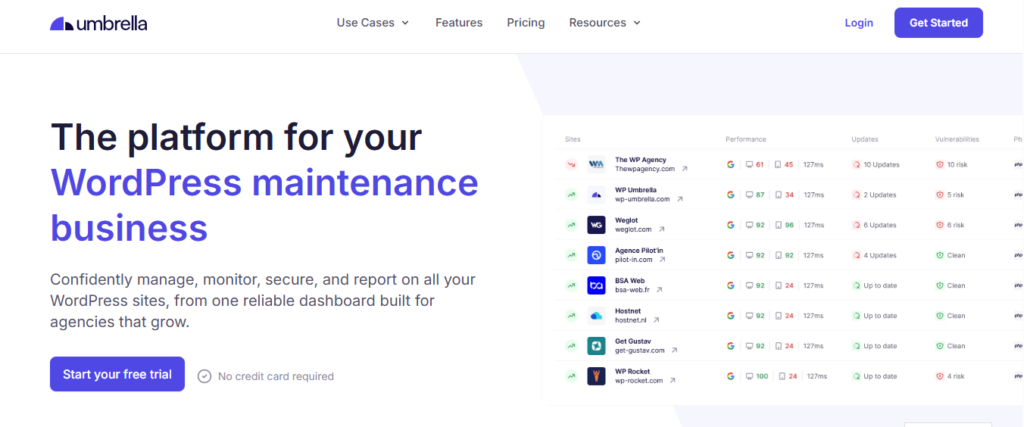
Another Modular DS alternative worth trying, WP Umbrella offers a range of features that simplifies WordPress management. It features uptime monitoring, backup, updates and reporting.
Like other modern management tools, WP Umbrella boasts a centralized dashboard. From the dashboard, you can manage all your websites. Automate backup, updates and monitoring. No need to login into individual sites, saving you time and boosting efficiency.
One of the platform’s highlighted features is its real-time monitoring capability. It monitors all connected websites, and alerts you when a site goes down. This allows you to respond faster to site-related issue, reducing downtime and maintaining your reputation.
The platform supports automated backups, ensuring you always have the most recent data of your site to fall back to. Automated backup is crucial for agencies handling multiple clients’ websites. It gives you an assurance that you can restore clients’ websites to their previous working state whenever an issue arises.
WP Umbrella’s reporting feature makes it a decent choice for users seeking detailed reporting for easy communication to their clients. You can create branded report regarding uptime, site health, and updates. This helps convince clients that you know what you’re doing and deserve to manage their websites.
While this platform is beginner-friendly, its per-site pricing as you scale can become a deal-breakable to many users. Agencies managing large website portfolio would have to pay more to keep using the tool.
Key Features of :
- Uptime monitoring delivers instant alerts
- Error tracking for website issues and logs
- Performance monitoring for website health
- Decent client reporting system
What I Love About This Tool:
- Decent reporting tools
- Quick and easy setup
- Stable cloud infrastructure
- Strong focus on monitoring
What I Didn’t Like About This Tool
- Focus primarily on monitoring
- Not a full system-level management tool
- Limited advanced automation workflow
- Per-site pricing becomes expensive as you scale
8. WP Remote

WP Remote is another good fit for users seeking lightweight WordPress management tool. It comes designed to make website maintenance tasks like updates, security checks and backups a breeze for users.
The platform does offer malware and security scanning, ensuring immediate detection of threats. Turning on automatic security scan to operate regularly can slow down one’s websites.
The platform’s clean and minimal interface is another highlighted feature. It makes it beginner-friendly. It’s one of the features beginners seeking WordPress management tools that require less technical expertise fancy. However, its limited advanced automation is a deal-breaker.
On this tool, you can automate backup. Backup your websites without manual intervention. Automatic backup helps ensure you have recent data of your websites ready always. This ensures you can restore your website to its most recent working state even if a crash or attack suddenly happens.
Key Features of WP Remote:
- Features a centralized dashboard
- Boasts backup automation
- Theme and plugin update management
- Features a simple reporting system
- Cloud-based access from any location
What I Didn’t Like About This Tool
- Low learning curve
- Reliable backup functionality
- Beginner-friendly management tool
- Intuitive interface and dashboard
What I Didn’t Like About This Tool:
- Features limited scalability
- Limited automation depth
- Boasts basic feature set
9. iControlWP:
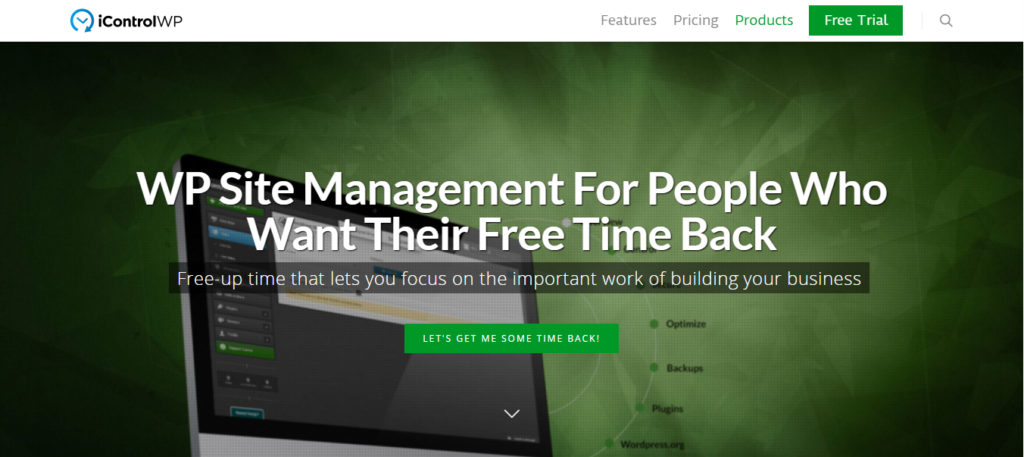
A cloud-based platform, iControlWP is changing how website owners and agencies handle website management. The platform offers users centralized control. You can manage multiple websites from a single dashboard.
Automation, security and centralized control make this platform a decent choice for agencies and developers. It makes managing multiple websites possible.
Security automation is one of the highlighted features of this platform. It renders decent security scanning for malware and vulnerability detection. This ensures your managed websites receive proper protection against security threats that can lead to downtime.
Bulk updates is another feature this platform renders. You can update plugins and themes for all managed websites simultaneously. This reduces manual effort and supports consistency.
This platform also has activity and monitoring features, helping you track changes made across multiple websites. Most agencies and freelancers managing multiple websites will find this feature helpful.
While iControlWP boasts a decent amount of useful features, the interface might feel overloaded for most users. This can create confusion and make learning how to use the tool a hassle for beginners.
Key Features of iControlWP:
- Status alert and multi site monitoring
- Activity login feature to track website changes
- Malware detection and automated security scanning
- Scheduled automation for site maintenance tasks
- Supports bulk updates for WordPress core, themes and plugins
What I Love About This Tool:
- Supports bulk updates
- Cloud-based accessibility
- Decent activity tracking system
- Strong focus on security automation
- Centralized dashboard
What I Didn’t Like About This Tool
- Steeper learning curve
- Complex pricing structure
- Simple users may find the dashboard overload
- Automation workflow configuration requires time
Conclusion
These are the Modular DS alternatives manually handpicked to make choosing the right management tool a breeze. Whether you run a WordPress management agency, a freelancer or developer, you can find a management tool that meets your needs.
While most users prefer management tools focused on simplicity and decent automation, some take their preference further. They prefer tools focused on advanced automation, scalability, and monitoring.
That’s why comparisons like these are important. They make it easier for users to look through the features of each tool in a glance and make the right choice.
So which is the best Modular DS alternative for you? The best is a tool that offers decent pricing plans, is scalable and reliable. Choose a management tool that lets you automate backup, monitoring, and security. That’s where platforms like WP Managify excel. You can management an unlimited number of websites without blowing your budget.