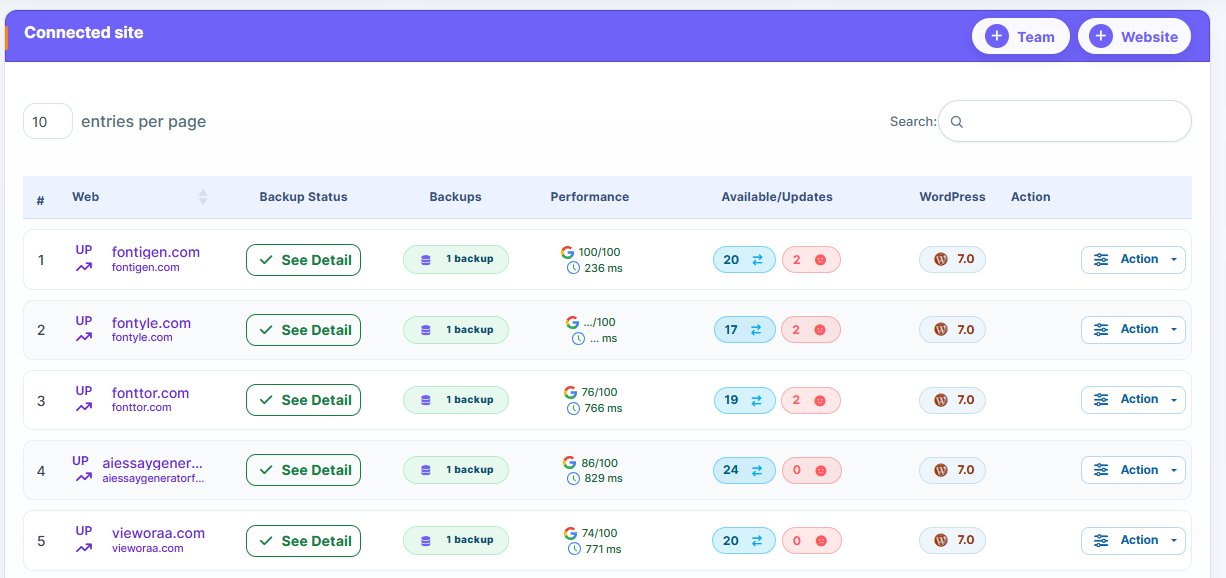
We have identified the best WP Remote alternatives that make WordPress management effortless. Since most WP remote users are looking to move on from the tool, we have manually handpicked several alternatives worth considering.
While WP Remote is a feature-rich WordPress management tools, the challenges users face and complain about daily are too serious to ignore. The complaints include:
- Connectivity issue – plugin’s failure to connect to site
- Price issue – Price is considered too high for low volume users
- Not the best choice for small portfolios.
The list goes on and on.
Effective WordPress website management should be non-negotiable. This applies whether you’re managing clients’ websites or your own personal websites. You need a WordPress management platform that can effectively manage your websites.
A WordFence report indicates that WordPress websites face billions of malicious login attempts annually. That tells you why you need to prioritize your website security. With WordPress management tools, you can automate your sites’ backup, plugin, theme, and website core update, leaving no room for hackers to strike.
Here, we discussed several WP Remote replacements that are worth considering, and we also shared some useful tips to help you make the best choice. Check out the alternatives below.
Why You Need A WordPress Management Tool – WP Remote Alternatives
Have you tried managing your WordPress website manually on a daily basis? If yes, then you know how time-consuming and energy-draining your daily website management routine was.
Now, that’s for a single website. Imagine how managing multiple websites (10, 20, 30 or 100) would be. You might not even have enough time to complete your daily routine or require a bigger team.
WordPress management tools are designed to take all that stress away, helping you save time and manage multiple websites effectively. Want more reasons why you need a WordPress management tool? Alright, let’s jump in!
1. You get centralized website control:
Do you know the dangers associated with managing multiple websites individually? Firstl, your team becomes inefficient and waste time on routine tasks.
Why does this happen? Since they are managing dozens of websites individually, they need to login into each one of them to update plugin, themes, backup and perform other routine tasks.
You’ll face numerous challenges if you’re managing dozens of websites and you’re not using a centralized WordPress management website. The challenges include:
- Reduced productivity.
- Outdated software vulnerability (high security risk, opens the door to hackers).
- Time constraint – not enough time to manage every single site daily (even though it’s important you do so).
- No plugin, theme or core WordPress update for some sites.
- High chances of human errors when performing daily routine tasks.
- Agencies and freelancers may struggle to scale
These are some of the challenges you might face if you aren’t managing your WordPress websites with a centralized system. Scaling becomes difficult.
From a centralized dashboard, you can manage dozens of websites efficiently. All you need to do is login into your WordPress management tool. There, you’ll find all the connected websites. From the dashboard, you can schedule and control backup, plugins updates and performance. You don’t need to login into each website individually.
According to a Kinsta report, agencies that adopt a centralized WordPress management tool experience improvement in maintenance workflow by up to 60%. In plain terms, such businesses record 60% faster maintenance workflow.
The benefits of using centralized WordPress management platforms are numerous. You’ll experience little to no missed plugin updates or outdated software vulnerability. Another benefit is that agencies managing dozens of websites can scale their operations smoothly.
2. Automate updates and site maintenance:
Ability to automate repetitive task is another benefit associated with using a centralized WordPress management platform. Automation will help you ensure that updates occur naturally without human intervention. This helps reduces or totally eliminate vulnerabilities hackers can exploit.
By using a WordPress management platform, you can automate plugin updates, backup and even security scans of multiple websites. You don’t need to login to perform these tasks.
You can schedule backup to happen at specific time period or day. No need to monitor your websites.
A report by HubSpot reveals the major benefit of automation. The report claims it improves productivity by 20 – 30% across digital workflow.
A Handy Tip: Choose a WordPress management tool that supports automation. Test the automation feature before choosing any WordPress management tool.
Being able to automate repetitive and important website maintenance tasks like backup, plugin updates and other maintenance tasks helps reduce human error. You’ll have more time to focus attention on other repetitive tasks.
3. Improved website security:
Security will always be WordPress’ biggest threats, and the reason for this is simple: its open-source nature. Hackers are always lurking around WordPress websites and are ready to strike once they spot an opportunity.
That’s why you need a WordPress website management tool. You can automate backup, control updates and monitor your websites effectively from a single dashboard.
Hackers target outdated plugins, themes, WordPress core and others like using weak passwords. A report by Sucuri shows that 56% of hacked websites were using outdated software.
What lessons does this report offer?
If the owners of those hacked websites were using a WordPress management tool, they would have identified the outdated software and updated them. Unfortunately, they couldn’t probably because they weren’t using a centralized website management tool.
WordPress management platform’s ability to let users automate updates and monitor websites round the clock helps reduce the chances of security breaches happening.
3. Easy backup and recovery system:
Failed website core updates, plugin conflicts, updates or cyber attack can cause downtime. You could even experience longer downtime without backup to restore your website to its previous working state.
Updating websites manually can be time-consuming, and energy-draining. You might even forget to update a website or lack capacity to do so now and then for high-traffic or eCommerce websites.
With a management tool, you can automate backup. You can schedule full or incremental backup, whichever suits your website’s needs.
Backups serve as a safety net, making it easier to restore your website following a failed update or cyber attack. It reduces downtime, allowing your business to continue even in the wake of a cyber attack or failed update.
A study by IBM shows that downtime cost businesses $5,600 per minute. Imagine how much a business would lose if they experiences downtime for 24 hours or more because of their inability to automate backup.
If you’re running a high-traffic or eCommerce website, or managing such types of websites for clients, you already know the importance of regular backup. So choose a WordPress management tool that lets you automate backup.
5. Scalability for growth-oriented businesses:
Are you a freelancer or run an agency that manages websites for clients? If yes, then you already know that managing websites manually can become almost impossible as the number of sites increases.
How does a management tool help?
Most management tool can handle dozens of websites without breaking. Using such a tool allows freelancers and agencies to manage multiple websites without increasing workload.
Data from Statista shows that there are over 1.1 billion websites globally. And dozens of websites are being created on daily basis.
A management tool enables freelancers and agencies to manage multiple websites without compromising efficiency. You don’t need to hire extra team member as the number of managed sites increase.
6. Monitor and optimize website performance:
Ability to monitor your website’s performance around the clock can offer you a strong competitive edge. Note that website performance can impact user experience and rankings on search engine.
How does manage tools help?
They help users monitor their website performance effortlessly. You can monitor the loading speed, uptime and other critical performance issues of multiple websites from a single dashboard.
That’s how management tools help you keep an eye on your website.
By effectively monitoring your website, can identify issues and fix them before they impact your visitors.
Improving website loading speed can positively impact dwell time, and overall user experience. A Google Web.dev report reveals that 53% of users abandon websites that takes more than 3 seconds to load. That explains why using a management tool can be a game-changer. It can help you maintain optimal performance level, boosting engagements and SEO.
7. Client reporting and transparency:
WordPress management tools come with features that display backups, updates, and performance metrics, helping businesses demonstrate real value to their clients. Ability to deliver detailed report to clients helps agencies build trust and boost client relationships.
A report by Databox indicates that 74% of clients expect to receive transparent reporting from their service providers. That explains why delivering reports with detailed insights can improve client satisfaction and retention.
Migrating from WP Remote (The Pain Points)
Switching from WP Remote to options might seem simple on paper. But, in reality, users might face certain challenges. Here, we highlighted the challenges and solutions. Let’s dive into it.
1. Plugin conflicts and compatibility issues:
While switching from WP Remote to other management tools might appear easy on paper, it’s not so in reality. You can encounter compatibility issues with existing plugins.
The way most tools manage backups and updates is the problem. The process can cause an overlap with existing plugins, leading to errors or temporary conflicts.
What’s the solution?
Ensure you do this before you initiate full migration from WP Remote to another management tool. Test compatibility in a staging environment.
Why is testing in a staging environment highly recommended? The reason is because it exposes issues you might face when you migrate to another management tool.
When you identify the issue through testing, you can address them satisfactorily. That way, you can prevent issues from arising when migrating from WP Remote to another management tool.
You should endeavor to plan properly before migrating your website. Proper planning will make the transition smooth, and help you avoid any disruption that could have negative impact on your website.
2. Downtime risks during migration:
Downtime risk is another issue uses might face when migrating from WP Remote to another management tool. The risk is high when migrating a heavy-traffic or eCommerce site. These websites require incremental backup to keep things fresh.
Attacks could happen during migration. Even plugin conflict can cause downtime. But, with a well-executed migration strategy, you can minimize these risks.
According to Pingdom, downtime can significantly impact revenue, with heavy traffic websites experiencing the biggest impact.
The solution is to migrate from WP Remote to a reliable management tool. The tool’s backup system should also be reliable, so you can quickly backup your website.
3. Data transfer and setup limitations:
Understand that migrating data from WP Remote to most tools isn’t going to be straightforward. Manually configuration could be required.
In other words, you may have to manually configure backups, reporting systems, including monitoring settings.
Why is this important?
It’s important to understand that manual setup for most tools can be time-consuming. The process can increase the time it would take you to switch from WP Remote to other alternatives.
While most modern management tools offer onboarding guides that make the process simpler, you may have to perform some level of manual setup.
Having a good understanding of this limitation is crucial when switching from one WordPress management tool to another. It will enable you to set realistic expectations.
4. Learning curve and workflow adjustment:
Another challenge that you may face when migrating from WP Remote to another alternative is the learning curve and workflow adjustment. Because every tool has its interface and workflow, you need to properly adapt.
For most users, the adaption process might be slower. They may even experience reduced efficiency while trying to learn the new management tool.
These challenges can happen when switching from one management tool to another. However, with time, efficiency could improve.
The improvement comes when you become familiar with the new WordPress management tool. However, access to relevant training resources and proper documentation can help speed up the process.
While training resources of the new tool and documentation can help you understand how to use a new tool easier, the simplicity of the tool itself can have a huge impact.
The bottom line is to migrate from WP Remote to a user-friendly WordPress management tool. With this strategy, you can massively reduce the learning curve.
8 Best WP Remote Alternatives
If you manage multiple websites, migrating to other WP Remote alternatives can be a smart decision for your business. It depicts your readiness to embrace the innovation modern website management tools bring.
Agencies, freelancers and developers are embracing modern website management tools. These modern tools come designed to handle the growing complexities of WordPress site management. They boast better security, deeper automation, performance monitoring, and more features required to deliver improved website management services.
Here are the alternatives to WP Remote you should consider.
1. WP Managify
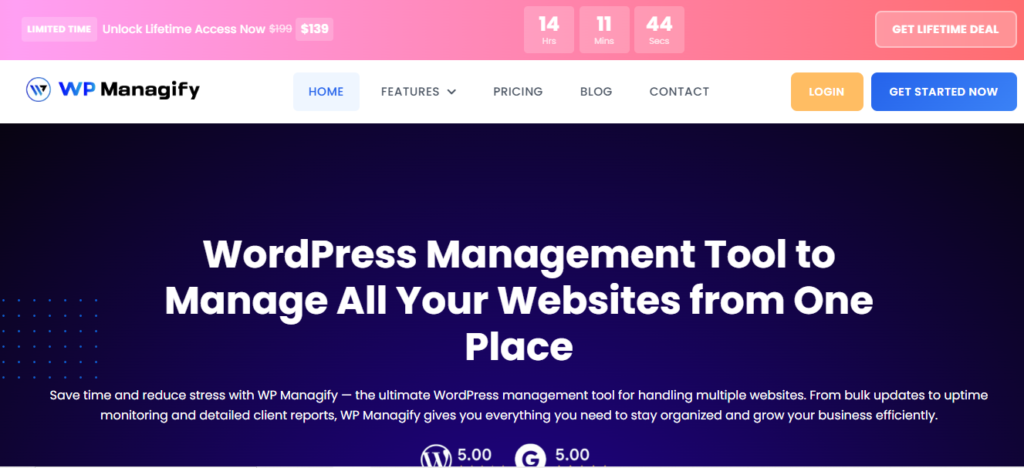
Praised for its simplicity, affordability and scalability, WP Managify makes WordPress site maintenance simple. Users get a single dashboard from where they can automate backup, updates, security scans and performance monitoring.
Having a single dashboard eliminates the need to switch tools when managing multiple websites. Clean and simple interface also makes WP Managify beginner-friendly.
Setup is also a breeze. All it entails is for you to connect your websites to the single dashboard via plugin. You get a centralized dashboard upon creating your account.
It lets you automate backup, website health and uptime monitoring from a single dashboard. Choose backup type (full, incremental, differential), and schedule backup to run at specific time or day.
Backup automation means you will always have recent backups of your website, making restoration a breeze. This ensures you don’t panic even when disaster strikes. You can restore your website from backup almost immediately.
Reliable uptime monitoring ensures you website is always up and running. The platform also sends notification when a website is down, so you can respond immediately.
Website health monitoring ensures your websites is always in good shape. It monitors website speed and other performance-related aspects that can impact user experience and SEO.
Unlike most WP Remote alternatives, WP Managify is designed with usability in mind. That’s why it’s accessible to beginners and professionals alike. Its structured interface reduces complexity while maintaining functionality. WP Managify’s adoption has improved across different user levels thanks to this balance.
A major WP Managify’s core strength is its scalability. It can managing growing number of websites without experiencing a single performance issues. This makes it appealing users looking to expand without changing systems often.
What Are WP Managify’s Key Features?
- Features a centralized dashboard for multiple sites management
- Performance monitoring and uptime tracking tool
- Supports bulk updates for core files, themes and plugins
- Scalable infrastructure for growing portfolios
- Multi-site management for freelancers and agencies
- Backup integrations for effective data protection
- Occasional system updates for enhanced performance
Why You Should Consider WP Managify:
- Automation-focused
- Offers centralized control
- Easy-to-use dashboard
- Beginner-friendly
- Reliable backup support
- Scalable management tool
- Effective performance and uptime monitoring tool
WP Managify’s Drawbacks:
- Features limited advanced customization for developers
- Boasts smaller ecosystem compared to older platforms
- MainWP:
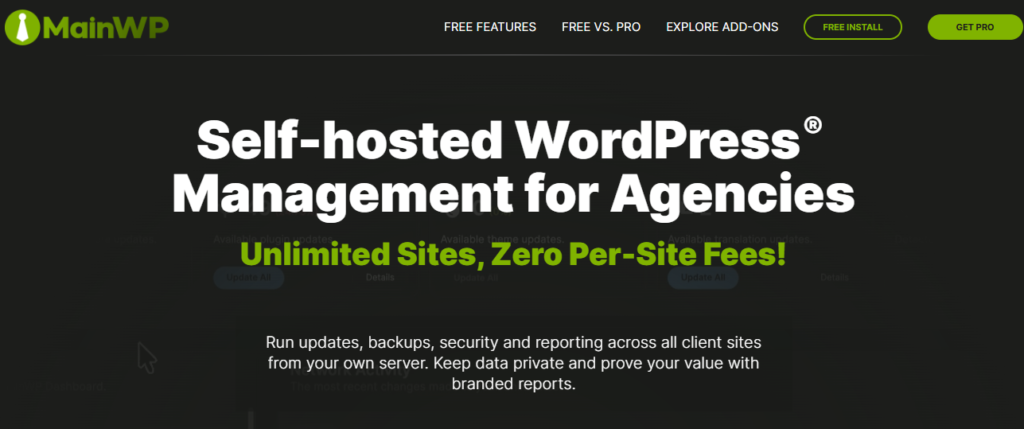
A self-hosted WordPress site management platform, MainWP is a solid choice for users seeking complete control over their data. However, it’s not beginner. That’s because its usage requires complex technical and maintenance knowledge.
The platform provides a centralized dashboard that can manage unlimited number of websites. Being highly scalable makes it a strong choice for agencies and freelancers looking to expand without switching tools.
The platform also supports bulk updates for themes and plugins. This reduces manual effort and simplifies WordPress maintenance tasks. Keeping plugins and themes up-to-date is a critical security move. Hackers exploit outdated themes and plugins often.
MainWP supports backup integration via extensions. It lets you customize backup solutions to suit your website needs, proving its flexibility.
Performance monitoring is another core feature of the platform. It lets you track performance-related features such as website health and uptime. Proper tracking helps reduce downtime.
While MainWP is customizable and flexible, setup is only easy on paper. You will require deep technical knowledge to setup and use the platform. That is why most beginners find it hard to use the platform. It boasts a steep learning curve.
Furthermore, understand that maintenance and hosting are part of a user’s responsibilities, unlike SaaS based platforms.
MainWP is a management platform considered a good fit for users seeking control. The platform’s flexibility makes it a decent choice for advanced users and developers.
What Are MainWP’s Key Features?
The platform’s key features include:
- Self-hosted dashboard
- Performance monitoring tool
- Unlimited website management
- Open-source flexibility
- Supports bulk updates
- Extension-based customization
Why You Should Consider MainWP:
You’ll get:
- Full data control
- Developer-friendly management tool
- Join a strong community
- Platform is scalable
- Manages unlimited sites
What Are MainWP’s Drawbacks?
- Steep learning curve
- Requires technical setup
- Cost can increase based on add-ons
- Users face maintenance responsibility
- WPMU DEV:
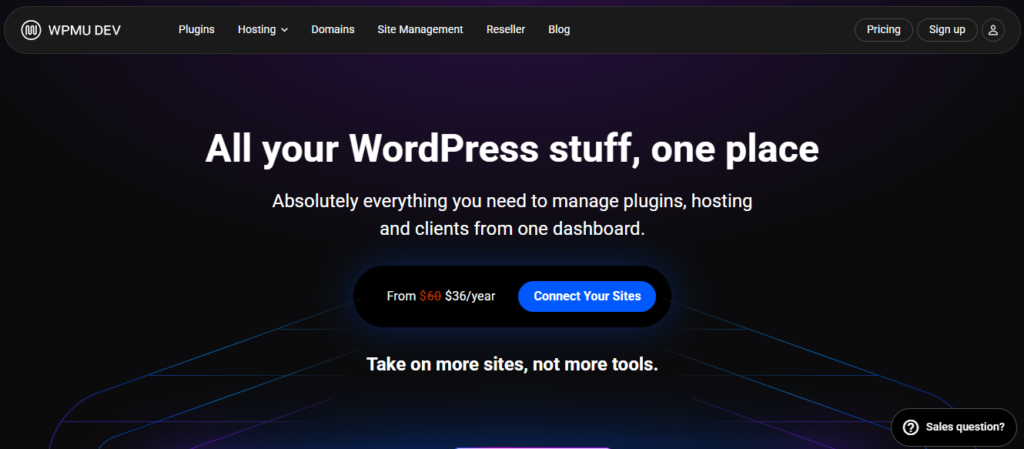
A comprehensive WordPress platform, WPMU DEV is best described as a one-size-fits all. It combines website management, hosting, optimization and security tools in one platform.
While WPMU DEV’s all-in-one ecosystem proves valuable, the overloaded interface can confuse users, particular beginners. Users seeking a lightweight and WordPress management-focused WP Remote alternatives might want to consider other options.
Through the platform’s “Hub Dashboard” you can manage your website efficiently. Monitor website performance, updates, and backups across multiple websites simultaneously.
The platform’s security features includes firewall protection and malware scanning. These security tools ensure your websites enjoy better protection from security-related threats.
It also handles performance optimization in two ways; asset optimization and caching. The aim is to improve user experience and page loading speed, which can directly impacts search engine rankings.
Uptime monitoring is among the list of core features the platform has. It helps identify downtime issues, so you can respond to them swiftly. This helps reduce downtime, making you a trustworthy and efficient WordPress management agency.
While WPMU DEV is a comprehensive tool, it requires potential users to adopt its ecosystem completely. Unfortunately, most users who prefer flexibility might find such limiting.
What Are WPMU DEV’s Key Features?
This platform boasts several features such as:
- Automated backup support
- All-in-one plugin suite
- Performance optimization tool
- Features managed WordPress hosting
- Boasts a centralized dashboard
- Supports team collaboration
- Uptime monitoring tool
Why You Should Consider WPMU DEV:
- Scalable
- Advanced reporting
- Automation features
- All-in-one ecosystem
- Built-in performance tools
What Are WPMU’s drawbacks?
- Steep learning curve
- Requires ecosystem adoption to use
- Scaling can be too expensive
- Limited flexibility outside its ecosystem
- Advanced features locked behind paywall
- InfiniteWP:
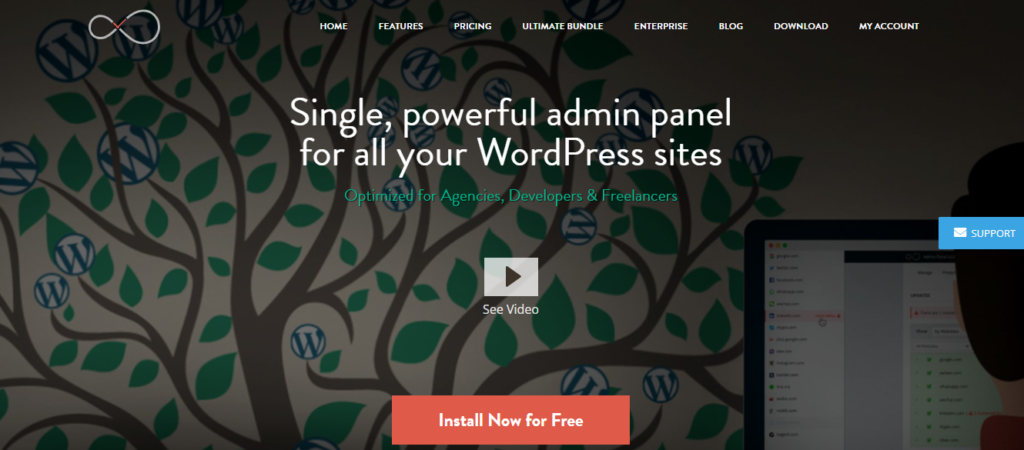
Users seeking control over their infrastructure will fancy InfiniteWP. That’s because the platform is self-hosted. But you will have to install a centralized dashboard on your own server before connecting multiple sites.
Because this platform is self-hosted, you will have absolute ownership of your data and operations. But note that you will require some technical and maintenance knowledge to use the platform effectively. Unfortunately, most users don’t have that.
Bulk updates ensures you can update plugins, WordPress core files and themes of multiple websites simultaneously. No need to login to individual websites, as you can control everything from a single dashboard.
Through premium add-ons, this platform supports backup and restore. You can schedule backup to run at specific time and store them securely. This makes recovery via backup possible. Even when disaster strikes, you will have recent backups to fall back on.
Though the platform does have security monitoring, you will need extensions to use the advanced features. The security tool scans your website for vulnerability, helping you identify and address potential threats before they happen.
While InfiniteWP does have security monitoring tool, it’s not as comprehensive as those seen in SaaS-based platforms like WP Managify and other solid WP Remote alternatives.
Scalability is one of the core strength of this platform. It can manage unlimited number of websites. But keep in mind that server performance hinges on the quality of your hosting. That’s because it’s self-hosted.
InfiniteWP is a decent match for advanced users and developers seeking self-hosted management platforms that offers absolute control over their management infrastructure. The setup and maintenance is too complex for beginners.
What Are InfiniteWP’s Key Features?
This platform boasts a range of features such as:
- Self-hosted dashboard
- Supports theme and plugin control
- Features bulk update system
- Manages unlimited number of websites
- Boasts decent scheduling features
Why You Should Consider InfiniteWP:
- Highly customizable
- Features independent hosting
- Gives you absolute data control
- Boasts flexible though technical setup
- Can manage unlimited number of websites
What Are InfiniteWP’s Drawbacks?
Here are some of InfiniteWP’s deal-breakers
- Features outdated interface
- Doesn’t have a native cloud system
- Tool requires technical setup
- You require add-ons for full functionality
- The platform boasts limited built-in features
- InstaWP:
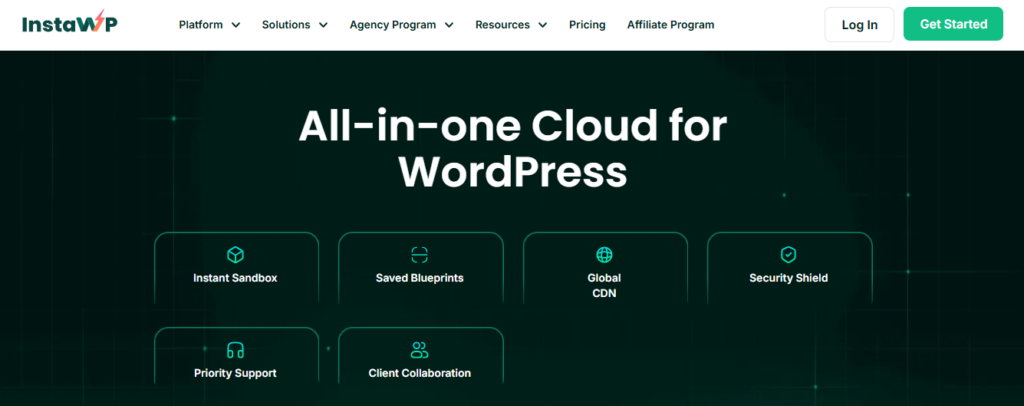
InstaWP isn’t a full-scale management platform. But its name comes up whenever there’s discussion regarding decent management tools. It is popular for its instant WordPress staging and sandbox environments.
Agencies and developers appreciate this platform, as it lets users spin up WordPress websites for testing and development. Unfortunately, it doesn’t have the security and monitoring tool other WP Remote alternatives possesses.
InstaWP focuses on staging. Therefore, it’s not a full-scale WordPress management platform. It lets users create temporary environments to test themes and plugins before updating them on a live site. This testing helps reduce the risk of live websites breaking.
Website templates and cloning features are part of what InstaWP provides. The tool impacts development workflow, as it speeds things up. And you could even replicate environments easily.
The platform includes backup and restore capabilities, ensuring safe experimentation. This allows you to revert changes faster.
While InstaWP’s seamless integration with several tools increases its functionality, it’s still not a full WordPress management platform. However, the integration expands its capabilities beyond staging.
So if you’re a website developer seeking a quick and reliable testing environment, InstaWP will make a decent option. But keep in mind that it’s not ideal when used as a standalone management solution. Staging and development are the two areas its core strength is.
What are InstaWP’s Key Features?
- Supports Instant WordPress website creation
- Platform features staging environments
- Allows quick deployment
- Supports site cloning
- Features rich template library
- Boasts backup and restore feature
Why You Should Consider InstaWP:
- Ideal for staging
- Supports safe testing
- Boasts simple interface
- Features flexible environment
- Quick and easy setup
- Saves development time
What Are InstaWP’s Drawbacks?
- InstaWP isn’t a full management platform
- Platform focuses majorly on staging
- Integration required for full functionality
- Platform boasts limited automation
- GetGlow:
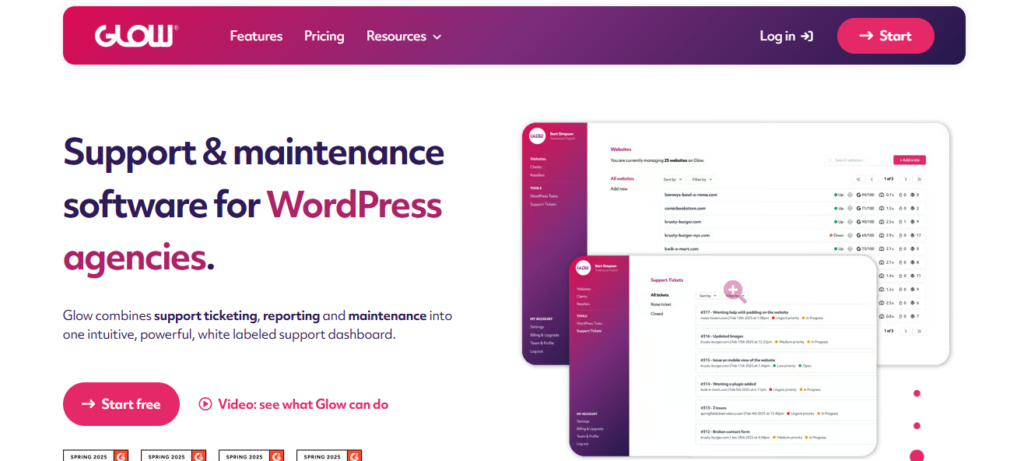
A modern WordPress management platform, GetGlow is one of the fastest-growing management tools on the market. It is used for managing WordPress sites and client workflows.
GetGlow is one of the platforms that effectively combines client communication tools and website management in one platform. So it’s more than a mere technical solution.
It boasts a ticketing system designed to handle client requests. The benefits include reduced reliance on email communication, and improved workflow organization.
Client reporting is one of GetGlow’s core strength. It provides detailed reporting on website maintenance and updates to clients, boosting and transparency and trust.
Having a modern and user-friendly interface sets this tool apart. It makes it accessible to beginners and advanced users. And with a shallow learning curve, even teams can adapt to the tool quickly.
It also supports automation, allowing you to automate updates and website maintenance. Regular updates ensure loopholes are closed before hackers get the chance to exploit them.
As a WordPress management platform, GetGlow is still below the level of most established management tools. The platform is still growing and trying to find its feet.
Most of its features are not as matured as its competitors, though its focus on workflow sets it apart.
What Are GetGlow’s Key Features?
This platform boasts the following features:
- Modern UI
- Client ticketing system
- Centralized dashboard
- Reporting tools
- Performance tracking
- Workflow management
- Team collaboration
Why You Should Consider GetGlow:
- Growing ecosystem
- Automation included
- Simple to understand and use
- Boasts client support tools
- Features modern interface
What Are GetGlow’s Drawbacks?
- Newer platform
- Smaller community
- Tool’s pricing not transparent
- Its features are still evolving
- iThemes Sync (Now Solid Central):
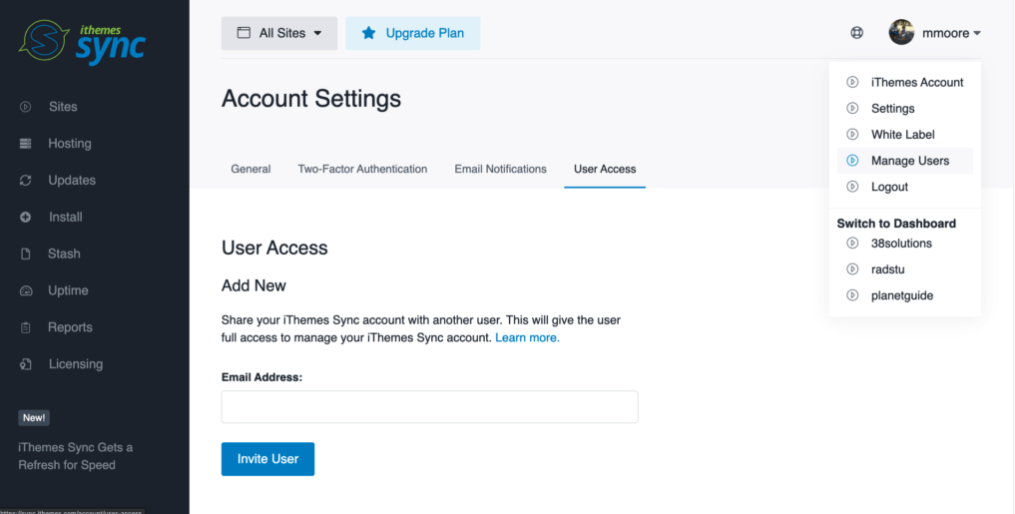
iTheme Sync (now Solid Central) might not have a captivating name like other WordPress management tools, but it does have one thing most users sort: simplicity. Its interface is simple, making it a beginner-friendly WP Remote alternative.
The platform offers a centralized dashboard from where you can handle routine site operations like backup, updates and monitoring. You can automate backup to run without manual intervention. You can even schedule backup to ensure maximum data protection. It integrates with BackupBuddy for site backup.
The platform boasts security features, though available via the iThemes security. However, access to the security features requires premium subscription. No security features on the lesser plans.
Having an intuitive interface sets the platform apart. It boasts a clean and simple interface that makes it easier for beginners to understand and use.
iThemes Sync is a simple and beginner-friendly WordPress management tool. However, its simplicity is both a strength and weakness.
The platform is most ideal for smaller projects. Scalability is an issue, as it might not scale properly for larger agencies looking to expand their site portfolios.
Most users might also view the tool’s limited automation as a deal-breaker. These include users seeking management tools that can deliver advanced automation.
What Are iThemes Sync’s Key Features?
- Multi-site support
- Features a centralized dashboard
- Update management system
- Premium plan offers security tools
- Possess basic reporting system
Why You Should Consider iTheme Sync:
- Decent reliable backup
- Easy to understand and use
- Platform is beginner-friendly
- Setup is easy and quick
- A decent choice for small users
What Are iTheme Sync’s Drawbacks?
- Add-ons required
- Has limited scalability
- Basic automation features
- Not a decent choice for agencies
- Platform boasts limited automation
WP Remote Alternatives Limitation Comparison Table
No tool is perfect. Every tool has its drawbacks. But while some tool’s drawbacks are manageable, others aren’t.
So consider the drawbacks of each tool before making a final choice. See if you can handle the drawbacks before committing.
These are the InfiniteWP alternatives we handpicked. Check out their limitations.
|
|
Tools |
Limitations |
|
1. |
WP Managify |
Limited advanced customization for developers, smaller ecosystem compared to older platforms
|
|
2. |
MainWP |
Steep learning curve, Requires technical setup, Cost can increase based on add-ons and Users face maintenance responsibility
|
|
3. |
WPMU DEV
|
Steep learning curve, Requires ecosystem adoption to use, Scaling can be too expensive, Limited flexibility outside its ecosystem and Advanced features locked behind paywall
|
|
4. |
InfiniteWP |
Features outdated interface, No native cloud system, Tool requires technical setup, Add-ons important for full functionality and Limited built-in features
|
|
5. |
InstaWP
|
Not full management platform, Platform focuses majorly on staging, Integration required for full functionality, Platform boasts limited automation
|
|
6. |
Glow
|
Newer platform, Smaller community, Tool’s pricing not transparent, Its features are still evolving
|
|
7. |
iThemes Sync |
Add-ons required, Limited scalability, basic automation features, Not a decent choice for agencies, Platform boasts limited automation |
Conclusion
These are the WP Remote alternatives worth considering. They include are modern WordPress maintenance platforms packed with innovative features.
WordPress management tools help simplifies website management. They enable agencies, freelancers and developers manage multiple websites from a single dashboard. No need to login into individual websites.
While WordPress management platforms make website management a breeze, choosing the right platform is the game-changer. Most platforms boast basic features, while some aren’t website management-focused.
Here, we discussed several alternatives to WP Remote that boasts features that can make your WordPress management agency or business more productive and trustworthy. You can check each one out and make a choice.