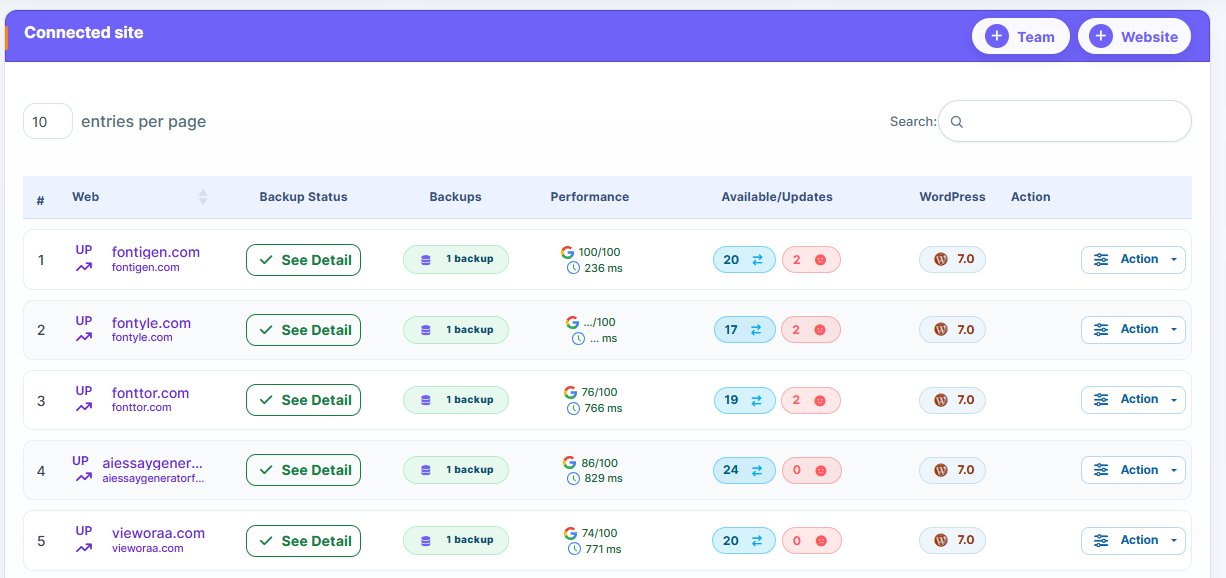
To ensure that your websites are safe from any unforeseen event, setting up recurring backups is essential. Follow these steps to set up automatic backups in WP Managify:
1. Access to backup configuration
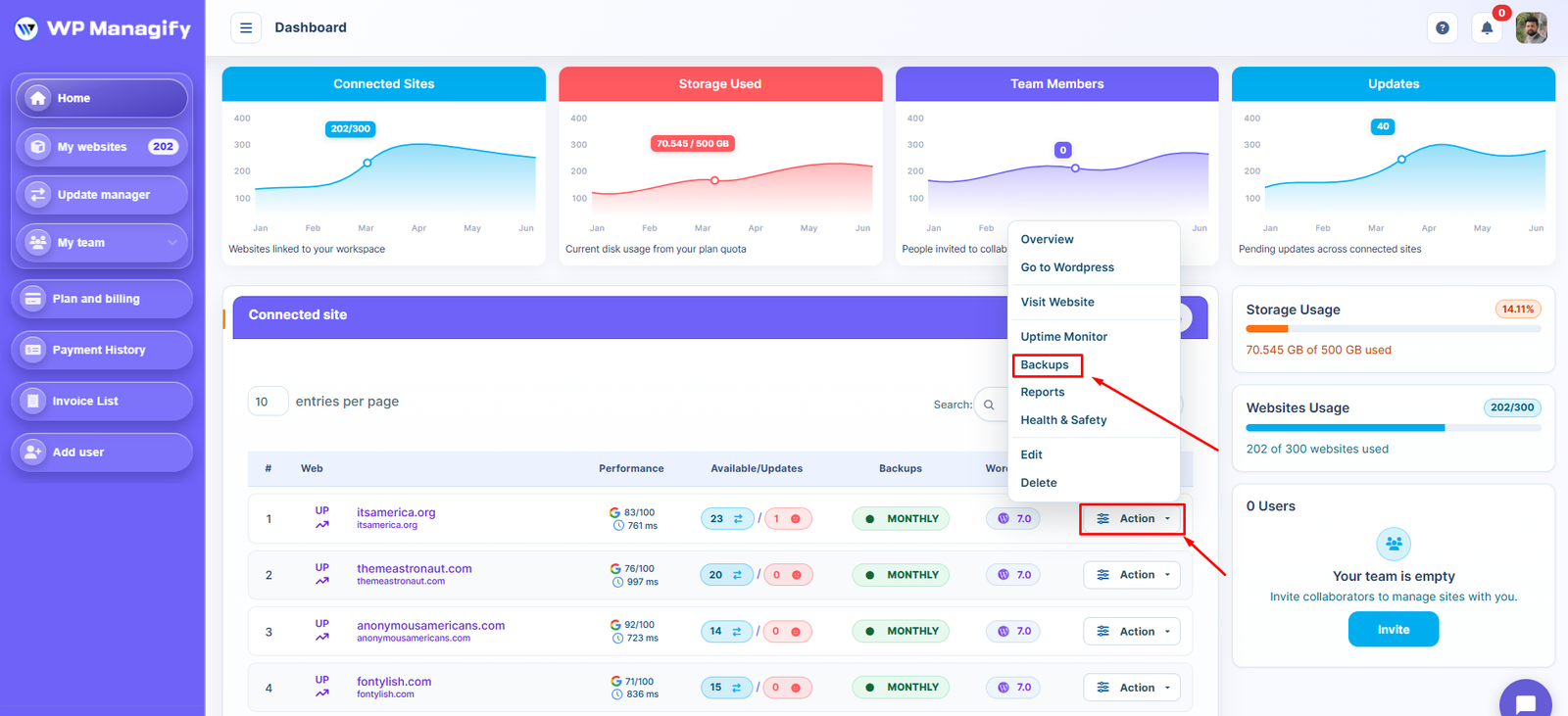
- Log in to your WP Managify dashboard and select the website where you want to configure backups.
- Go to the backups section and click on the configuration tab.
2. Customization of the backup
Within the configuration, you can adjust the following aspects:
- Items to Include: Choose whether you want to make copies of WordPress and files (themes, plugins, uploads, etc.), the database, or both.
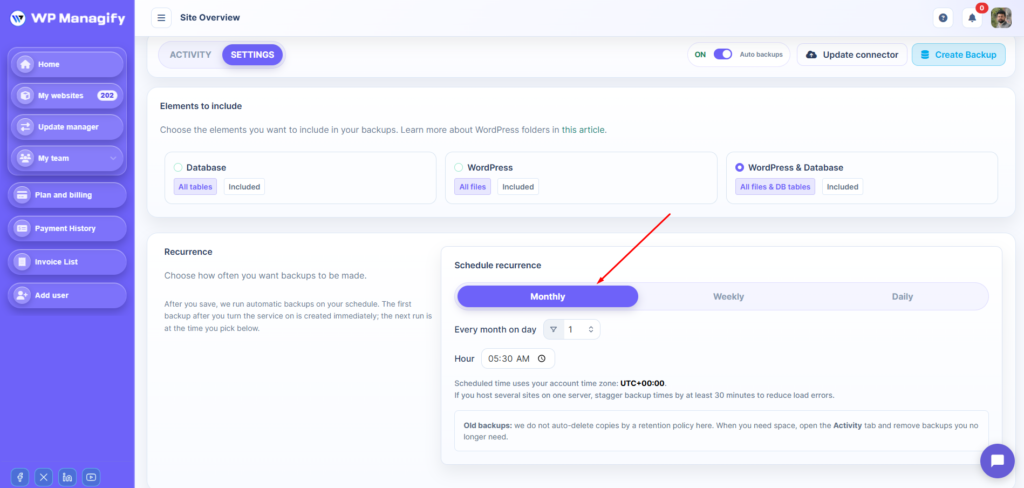
- Recurrence: Defines the periodicity of automatic backups. The available options are:
- Monthly: Select the day of the month and the time.
- Weekly (PRO): Choose the day of the week and the time.
- Daily (PRO): Choose the time of day.