
Wingdings Font Generator -Fast Symbol Style Text Maker
Convert your text into 20+ unique symbol fonts, wingdings, and obscure character sets.
Similar Tools You May Like Too
Creepy Font Generator: Spooky, Scary Halloween Fonts
Visit ToolSimilar Tools You May Like Too
Greek Font Generator: Stylish Text with Greek Letters
Visit ToolSimilar Tools You May Like Too
Random Font Generator: Surprise Yourself with New Fonts
Visit ToolSimilar Tools You May Like Too
Chicano Font Generator: Classic Calligraphy & Tattoo Text
Visit ToolSimilar Tools You May Like Too
Undertale Font Generator : Pixelated Game-Style Text
Visit ToolSimilar Tools You May Like Too
Dark Souls Font Generator – Create Gothic Text Style Free Online
Visit ToolSimilar Tools You May Like Too
Groovy Font Generator – Create Retro 70s Style Text Online
Visit ToolSimilar Tools You May Like Too
Fantasy Font Generator – Create Magical & Medieval Text Online
Visit ToolSimilar Tools You May Like Too
Neon Font Generator – Create Glowing Text Online Free
Visit ToolSimilar Tools You May Like Too
Roblox Font Generator : Generate Game-Style Text & Names
Visit ToolSimilar Tools You May Like Too
80s Font Generator – Create Retro 1980s Text Online
Visit ToolSimilar Tools You May Like Too
Bloody Font Generator – Create Dripping Blood Text Online
Visit ToolSimilar Tools You May Like Too
Gold Font Generator – Create Shiny Gold Text Online Free
Visit ToolSimilar Tools You May Like Too
Naruto Font Generator – Create Ninja Style Text Online
Visit ToolSimilar Tools You May Like Too
Paw Patrol Font Generator – Create Cartoon Style Text Online
Visit ToolSimilar Tools You May Like Too
Why Use a Wingdings Font Generator? 🔣
Unlock the power of symbol-based typography. Discover why users love converting their everyday text into cryptic, eye-catching dingbats and Wingdings characters.
Secret Messages 🤫
Encode your text into mysterious symbols. It's the perfect way to send cryptic messages and puzzles to your friends that only they can decipher.
Unique Aesthetics 🎨
Stand out from the crowd with visually striking shapes, arrows, and geometric patterns that grab attention instantly.
Social Media Ready 📱
Enhance your bios, captions, and comments. These Unicode characters are natively supported across most major social platforms.
Instant Copy-Paste 📋
No need to memorize complex alt-codes or install custom fonts. Generate your text and copy it to your clipboard with a single click.
Zero Installations 🚫
Completely web-based and lightweight. Avoid the hassle of downloading TTF or OTF files to your computer or mobile device.
Universal Formatting 🌐
Since the output relies on standard Unicode mapping, your generated symbols will display correctly across browsers and operating systems.
How to Translate Text into Wingdings Symbols? 🛠️
Creating your own hidden text and symbol sets is incredibly fast. Follow these simple, lightning-fast steps to get started.
1. Enter Your Text ⌨️
Start by typing your normal text, phrase, or name into the generator's main input box at the top of the page.
2. Auto-Translate ⚡
Watch the magic happen! As you type, the tool instantly translates your alphabet into dozens of different Wingding variants.
3. Explore Styles 👀
Browse through the generated cards. You'll find everything from classic dingbats and arrow symbols to squares and rounded styles.
4. Load More Options 🔄
Not seeing the perfect match? Click the "Load More Styles" button to reveal extended character sets and hidden unicode art.
5. One-Click Copy 📝
Once you find a style you love, simply click the "Copy" button underneath it. The text is immediately saved to your clipboard.
6. Paste & Share 🚀
Navigate to your favorite app, game, or document and hit paste. Your ordinary text is now a sequence of beautiful symbols!
Where Can You Use Wingdings & Symbol Fonts? 🎯
From digital design to online gaming, here are the most popular and creative places to paste your newly generated symbol text.
Discord Servers 💬
Customize your channel names, server rules, and role titles. Symbols make categories look cleaner and more aesthetically pleasing.
Instagram Bios 📸
Break up standard text walls in your bio. Use tiny symbols, stars, and shapes as beautiful bullet points to list your interests.
Twitter / X Posts 🐦
Make your tweets impossible to ignore. Using bold shapes and arrows draws the eye and helps increase your post engagement.
Graphic & Web Design 🖌️
Quickly copy geometric shapes, zodiac symbols, and arrows directly into Figma, Photoshop, or your website's HTML code.
Escape Rooms & ARGs 🧩
Are you a Game Master or ARG creator? Use Wingdings to create substitution ciphers that players have to decode to win.
Digital Notes & Docs 📝
Spruce up boring Google Docs or Notion pages. Dingbats serve as excellent visual dividers and highlight markers for important text.
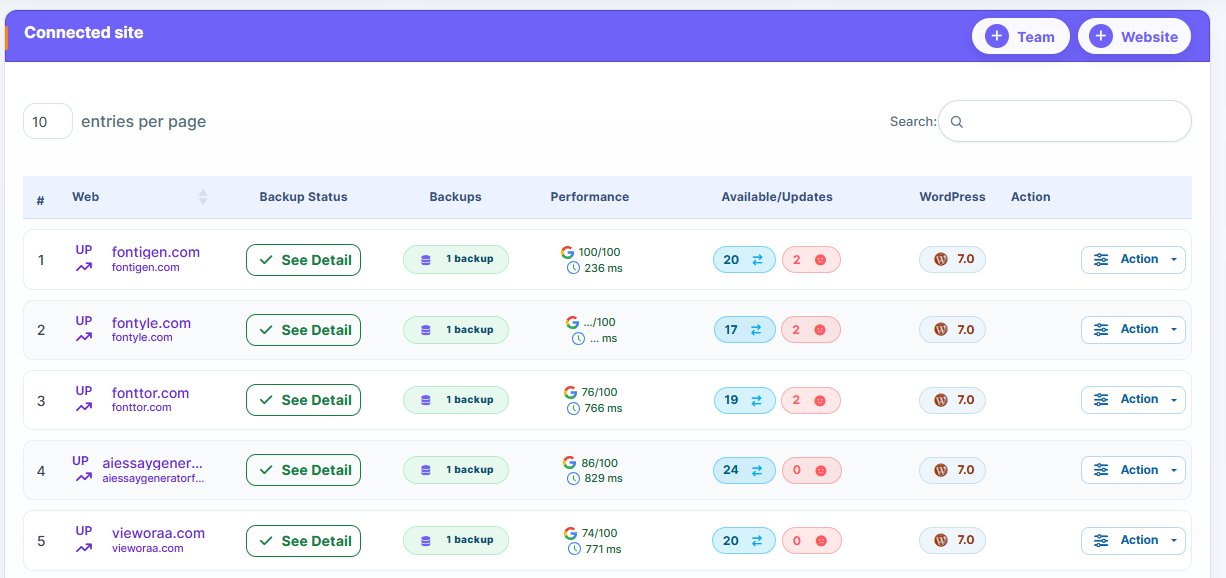
WP Managify
Manage Multiple WordPress Websites From One Dashboard
Offer ends in